|
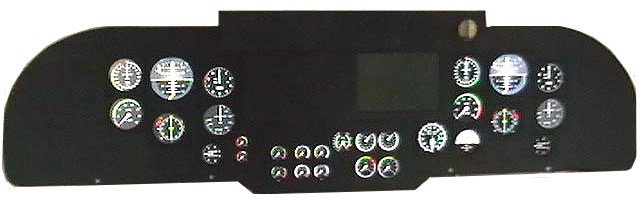
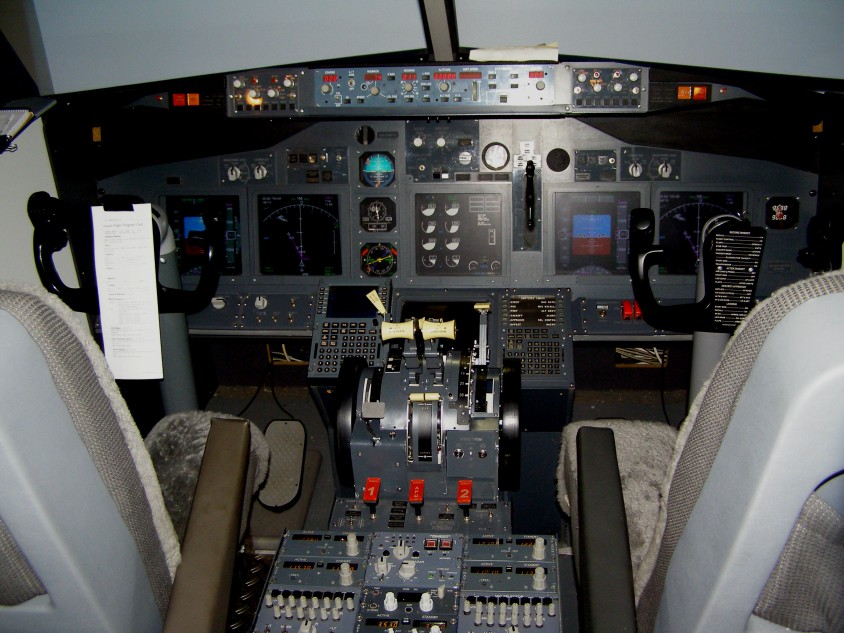
If you don't go to the expense of purchasing Project Magenta, there is
a void in the middle of your Main Instrument Panel. But along came
Gert Heijnis and his amazing FSXpand program which has fully filled
the gap.
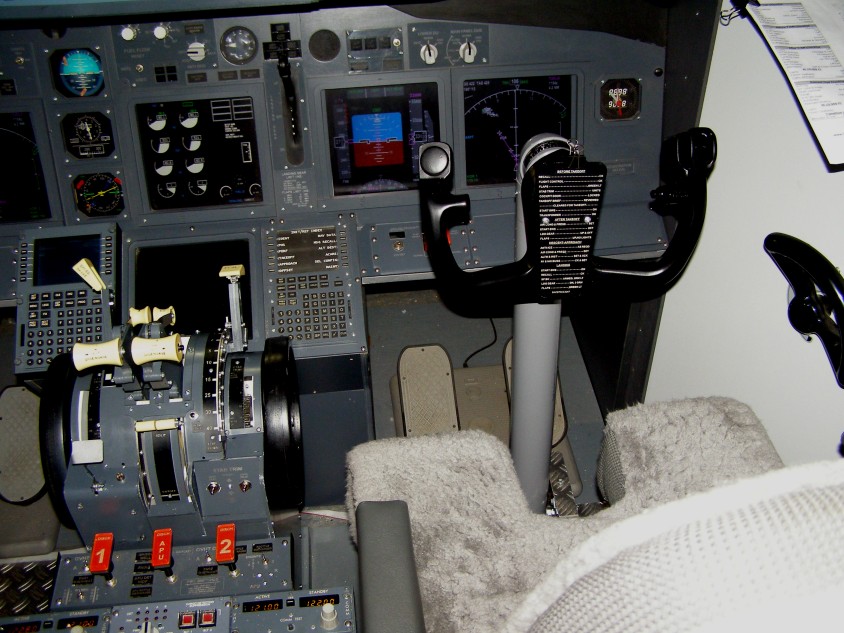
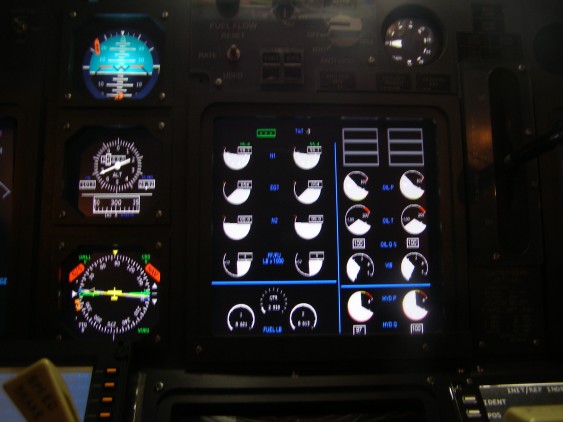
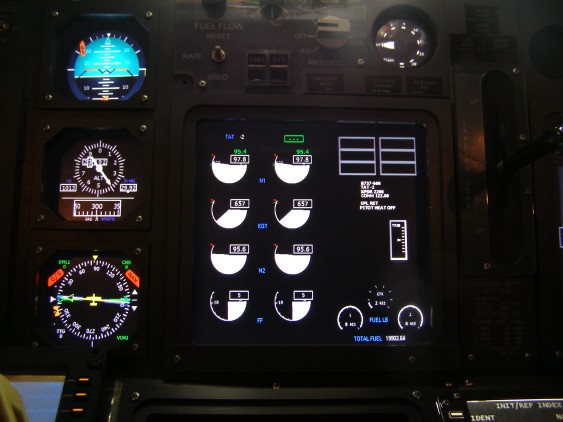
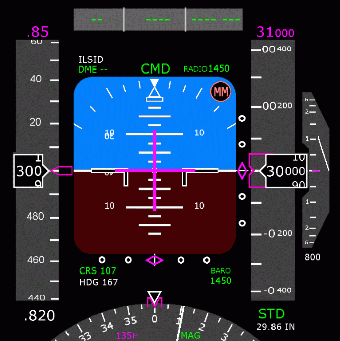
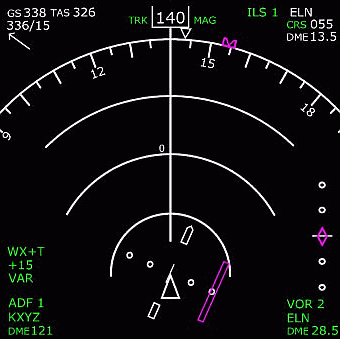
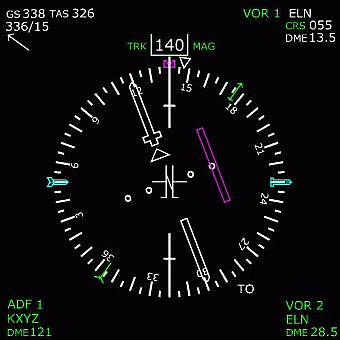
As I was using the existing PMDG Primary Flight Display and the
Navigation Display, there remained a requirement for not only the
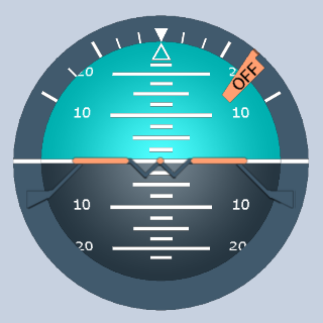
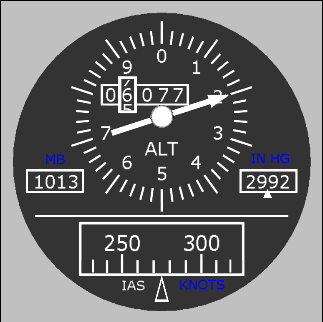
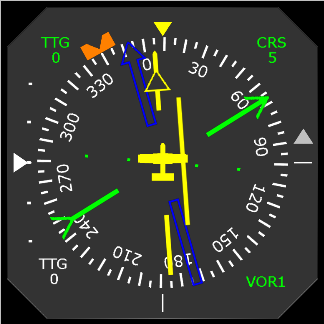
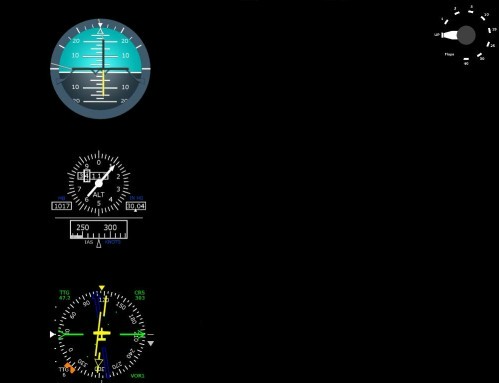
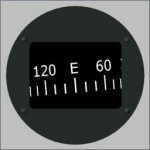
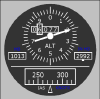
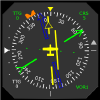
centre EICAS instruments, but also the 3 standby instruments which the
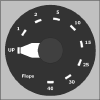
737NG has to the right of the Captains 2 main screens and a rotary
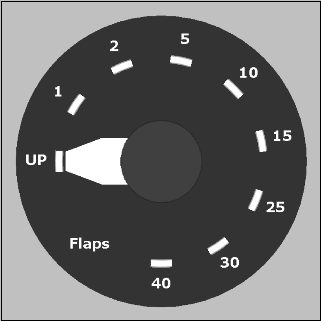
flaps gauge.
Quite by chance I met Gert Heijnis at the IFC in Blackpool, July
2005. Gert and I have been talking to each other ever
since and
bouncing ideas around until the main man came up with the ideal
solution for the EICAS.
Early in our working relationship, the standby instruments were in and
working, then Gert upgraded the program to give me the Boeing Style
Rotary Flaps Gauge. Now the man has surpassed himself and
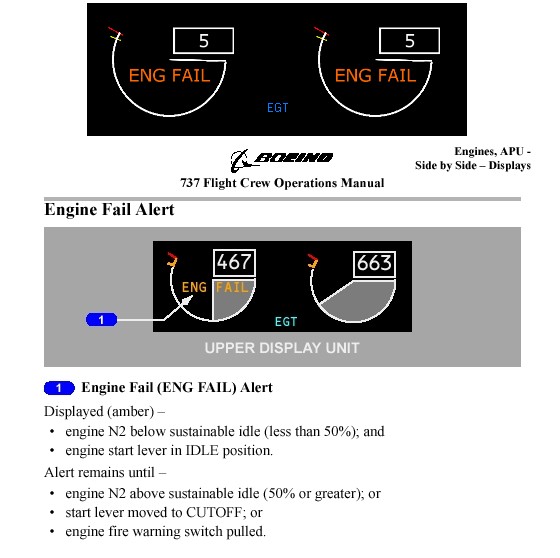
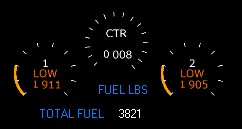
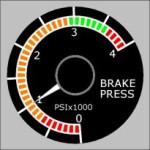
delivered the goods.....The main EICAS Instruments exactly how I
expected them to be.
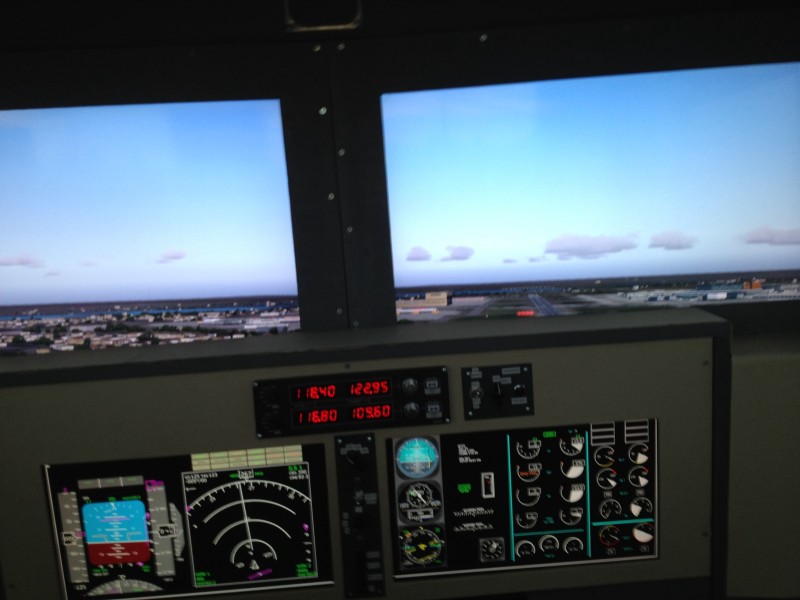
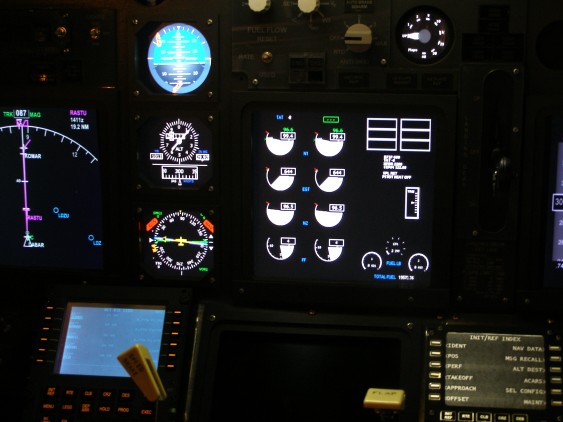
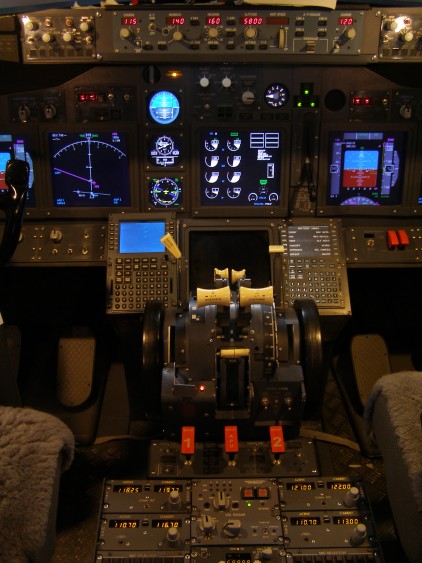
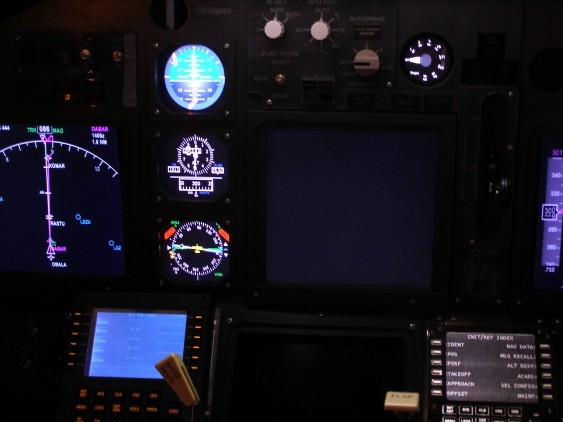
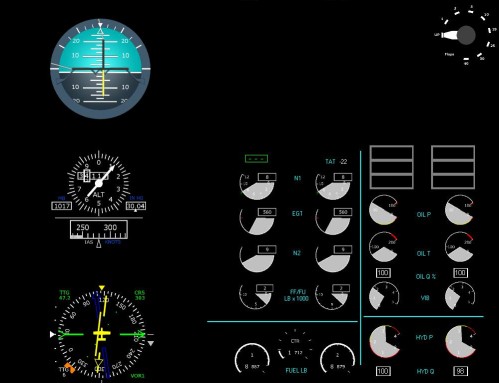
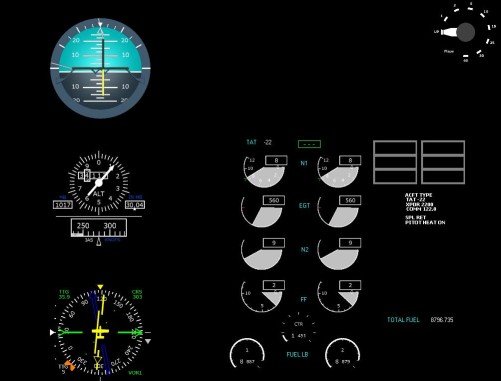
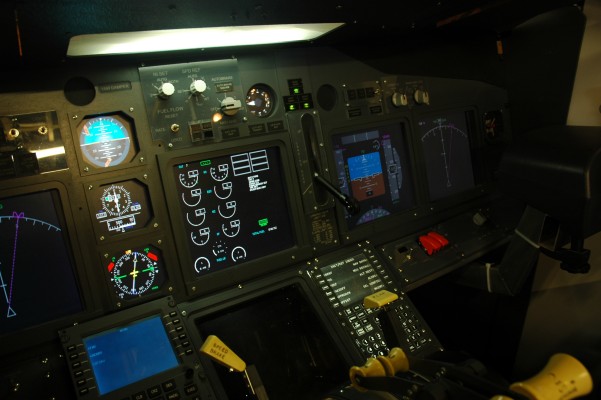
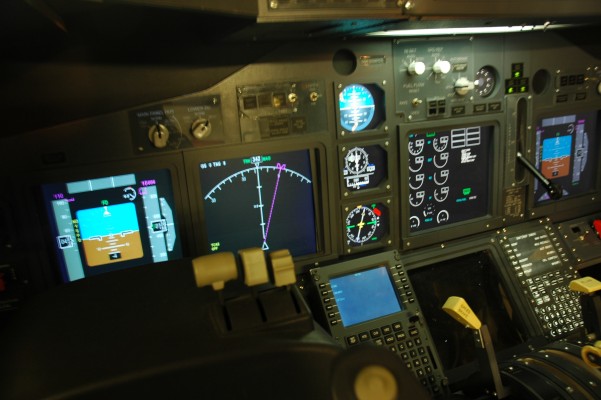
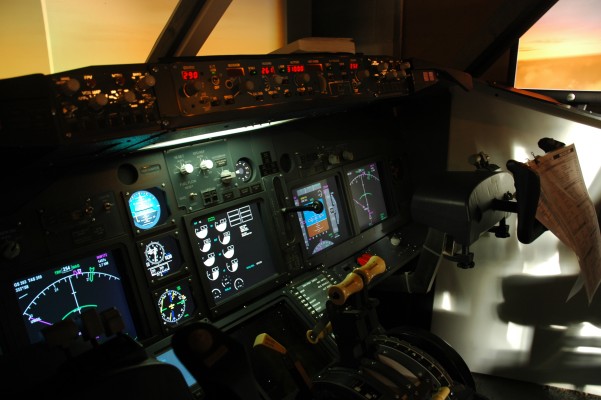
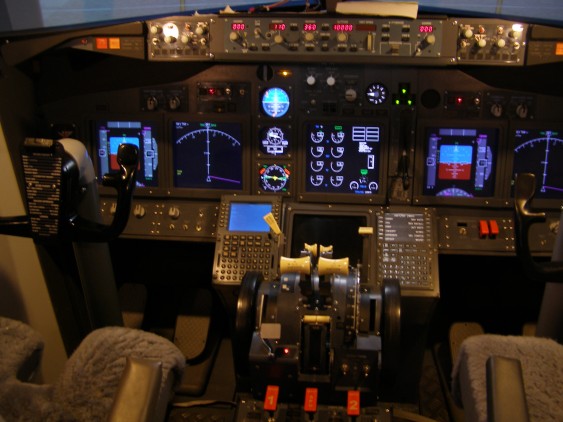
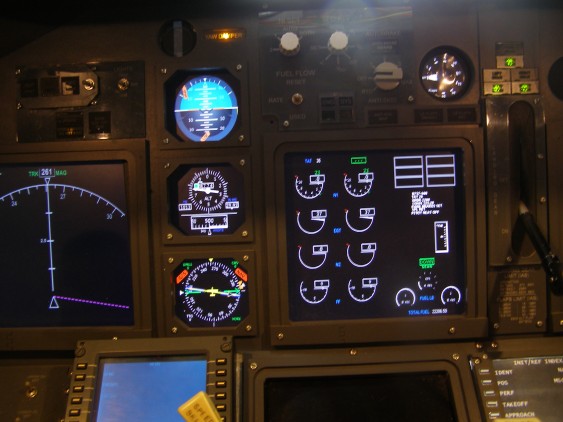
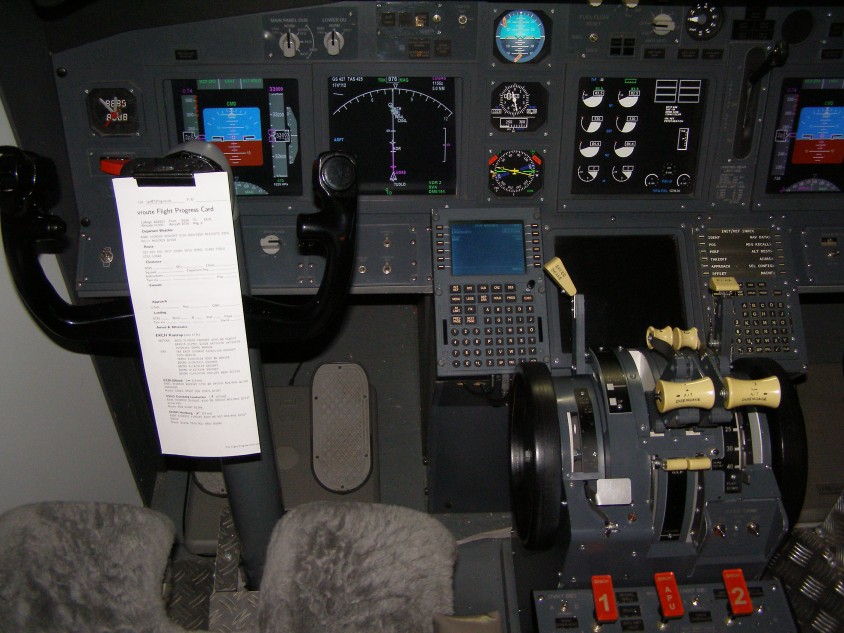
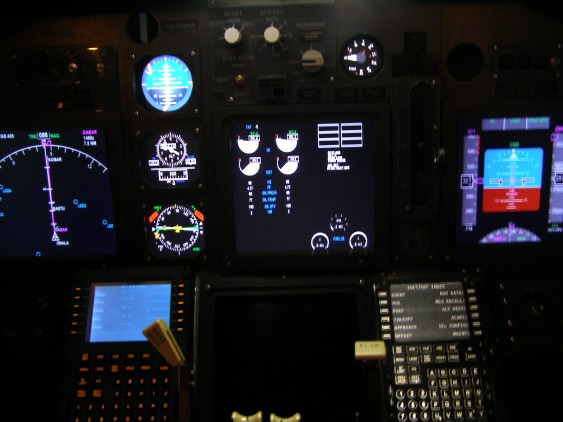
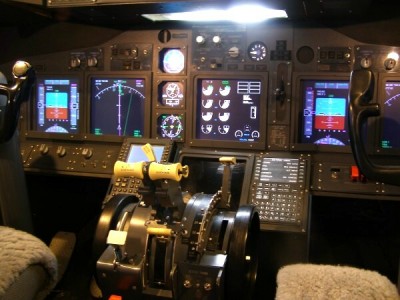
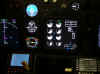
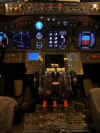
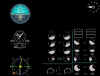
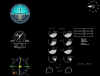
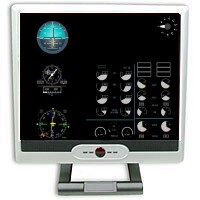 Now I have
been able to set up my centre monitor with the three standby
instruments, the engine digital gauges and a rotary flaps gauge. Now I have
been able to set up my centre monitor with the three standby
instruments, the engine digital gauges and a rotary flaps gauge.
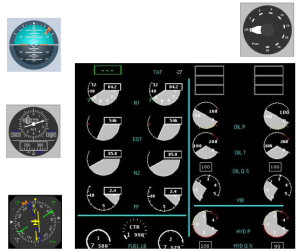
Each Instrument can be dragged to any position on the screen and
is fully configurable by size, font and appearance.
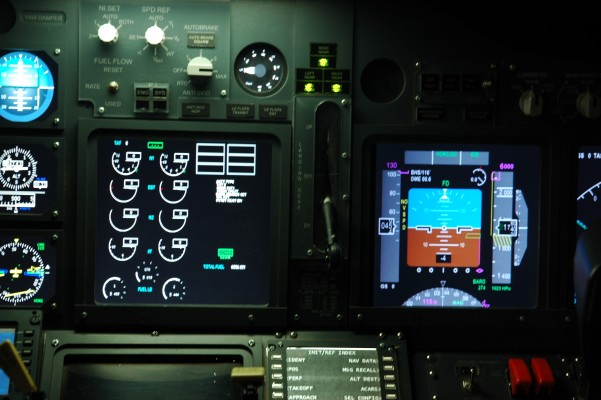
FSXpand also gives the ability to display several different EICAS
Screens such as Engine Primary, Normal etc. and with this in mind I
have setup several screens that i can switch between. I have
OFF/Standby, Engine Primary, Normal, Landing Panel and INOP.

|
|

 e-mail
us
e-mail
us 
 737NG.co.uk
- The FSXpand EICAS Display
737NG.co.uk
- The FSXpand EICAS Display