|

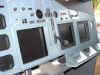
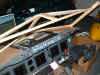
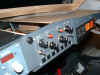
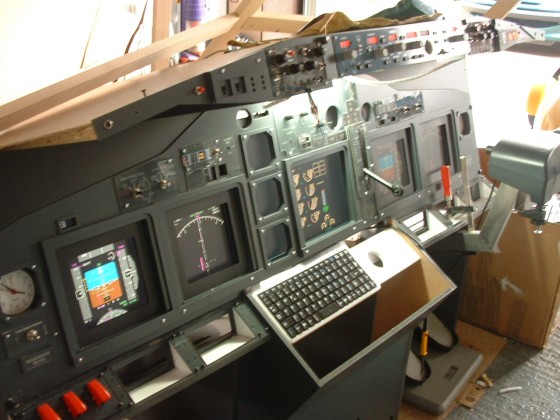
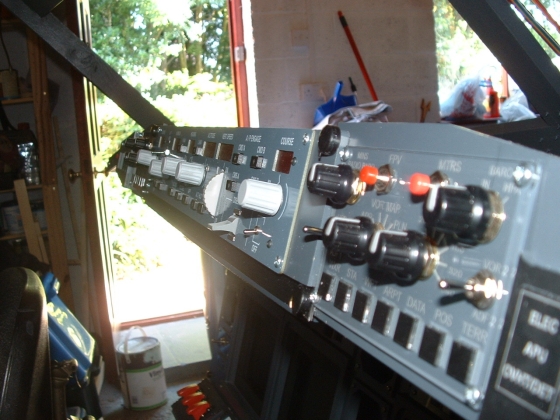
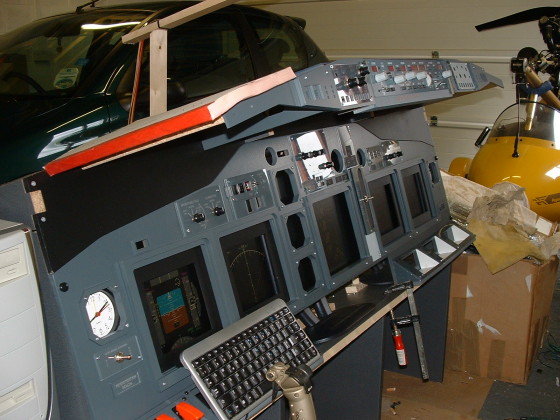
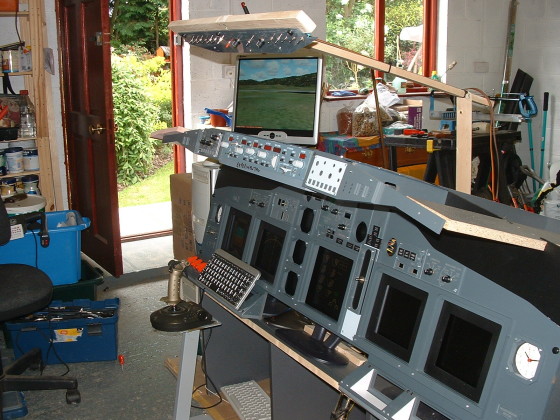
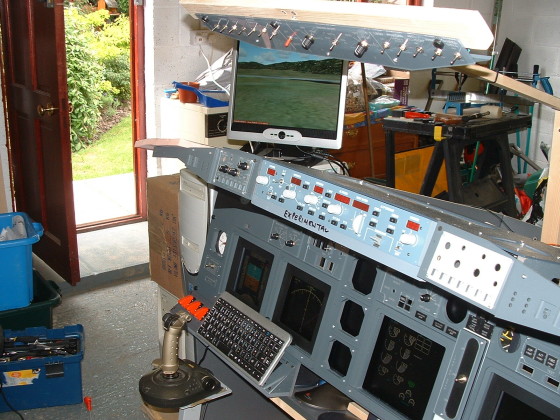
June 1st 2005 and the
Glareshield is fitted.
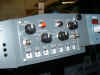
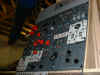
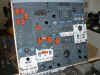
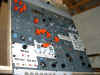
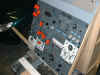
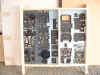
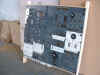
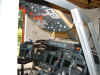
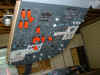
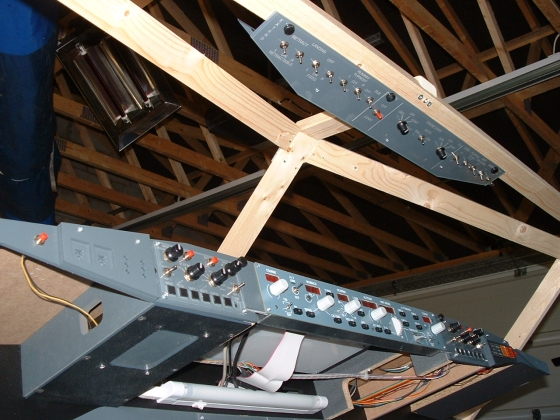
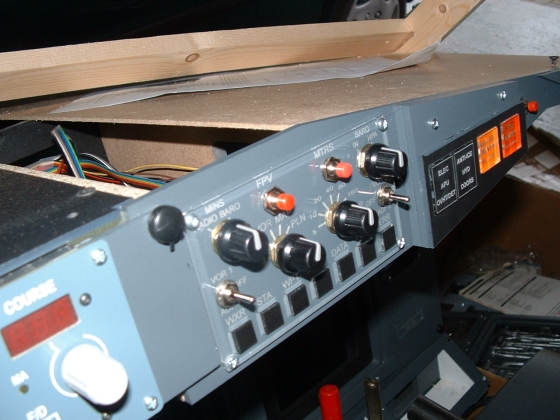
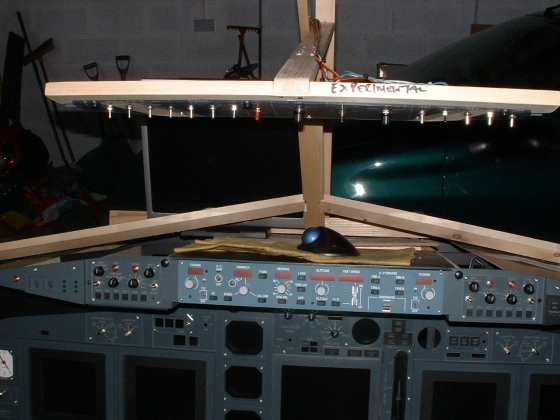
What i've done is to make a basic wood frame for the CPFlight
MCP and the Overhead Light/Starter Switch Panel, so I can wire
them to the MCPEX1 Expansion Board to check operation. Final
frames and faceplates will be made later.
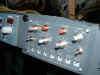
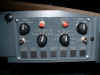
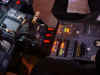
June 2nd 2005 OK
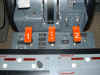
Starters and Light Switches opertional
June 7th/8th 2005 & I've
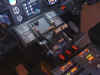
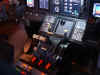
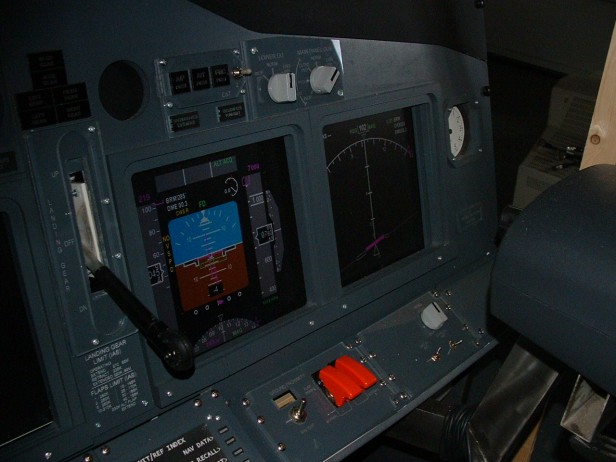
built the housing to accept Lower EICAS, but the big news is
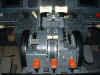
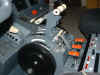
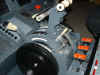
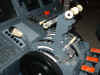
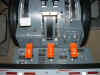
that the Landing Gear Lever has arrived from the LUCHVAART HOBBY
SHOP. What a realistic addition this is !! I have connected it
to the MCPEX1 to handle both the Landing Gear travel and also to
by using the Digital Out Relays, we also have the Gear Travel
Lights :o)
June 21st/22nd
2005 Just returned from a visit to Zakynthos, so
things slowed down for over a week. Straight away I had to sort the
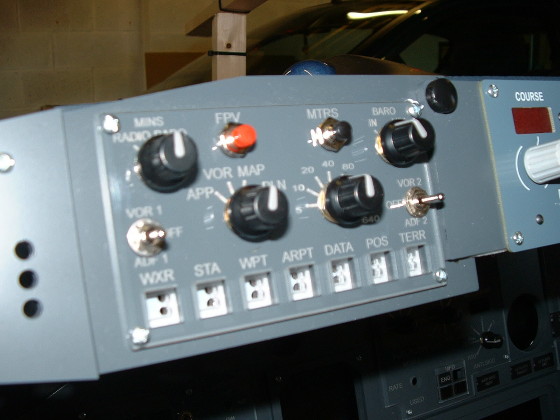
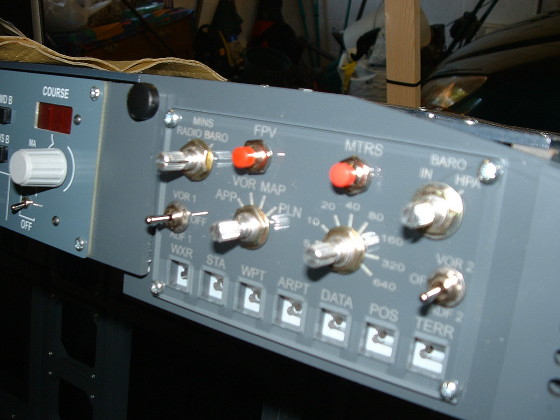
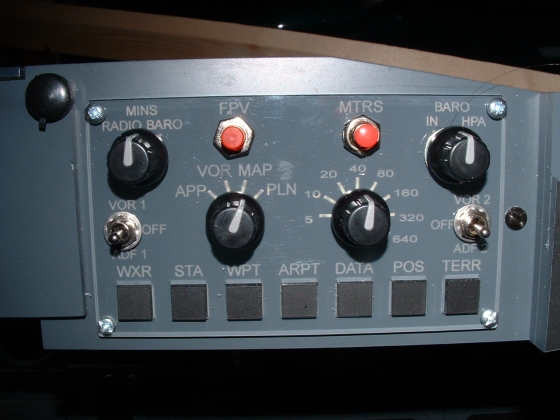
problems with the EFIS Panel Commands. I'm happy to report that this
has now been fixed and we have the MAP/VOR/ILS. the Range and the BARO
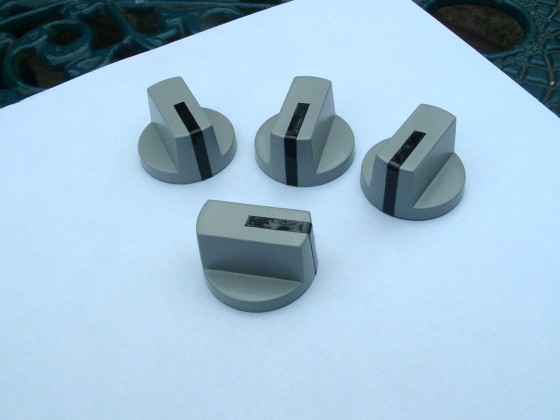
Ins/Hpa selector Knobs working. The VOR1/ADF1 and the VOR2/ADF2
selector switches are also working.
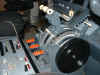
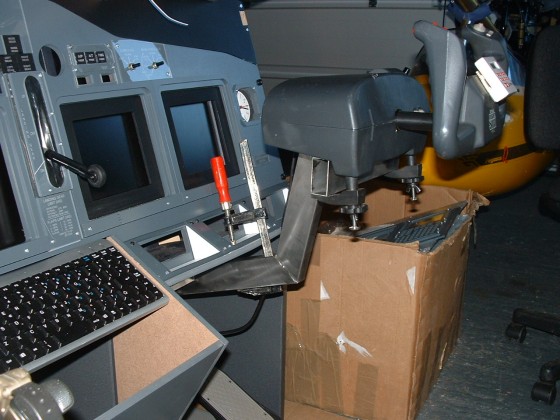
June 22nd 2005 The bracket for the
first yoke is finished. I decided to fit it to the F/O side incase it
was not quite right, but no problem - it is perfect, so second bracket
will be made to accomodate Captain's Control Wheel A.S.A.P.
June 24th 2005 OK things
didn't go to plan. The Push-Buttons for the EFIS Panel arrived,
but we have a PROBLEM !! They should have a dimension of 10mm,
which meant they would be a perfect fit in the faceplate, but now we
have them, they actually measure 11.5mm which means it's back to the
'Drawing Board' to find a solution for the pushbuttons. So what
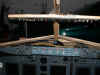
can I do today. Put the MCP Lighting in first. I used a
low voltage strip light that are used under Kitchen Units-Nice White
Light, Absolutely Perfect. I also have plenty of wood and
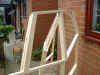
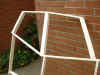
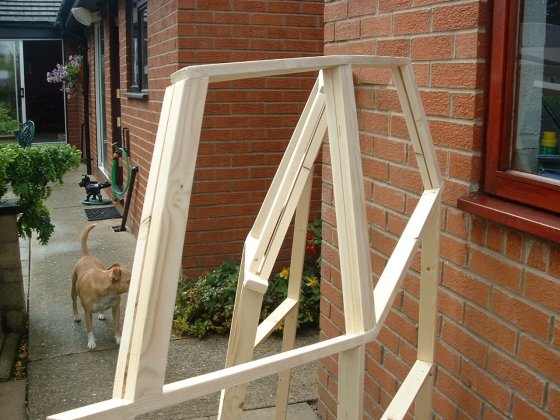
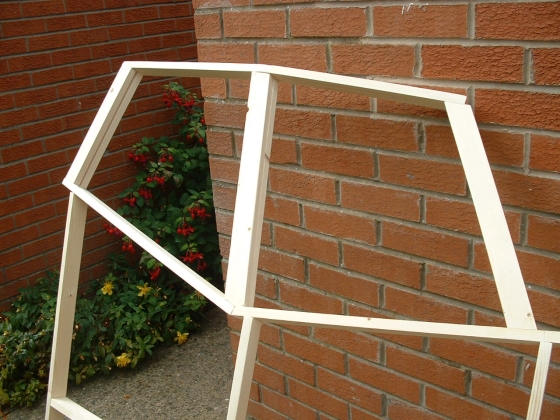
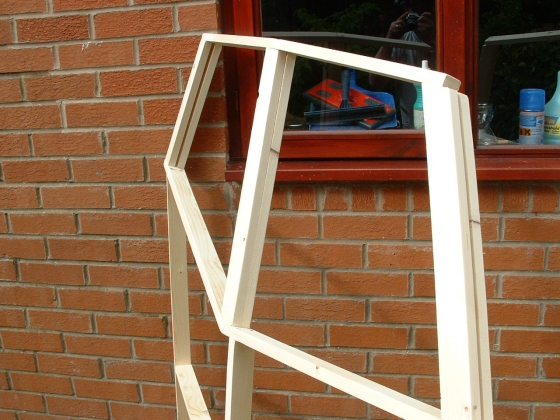
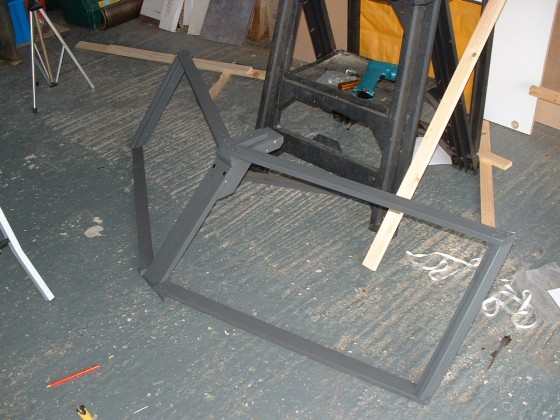
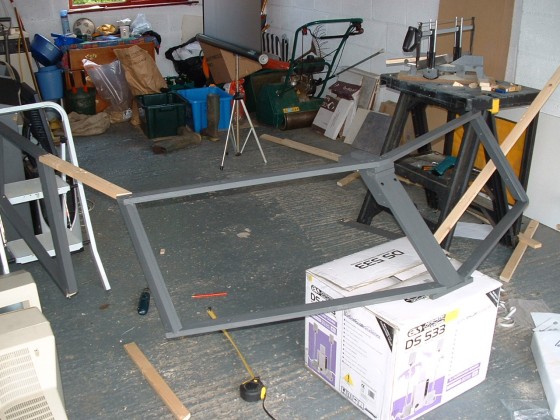
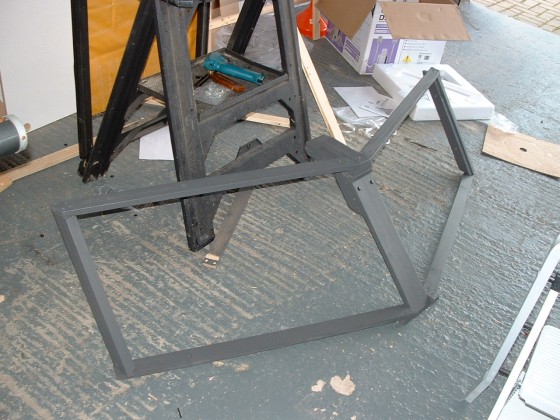
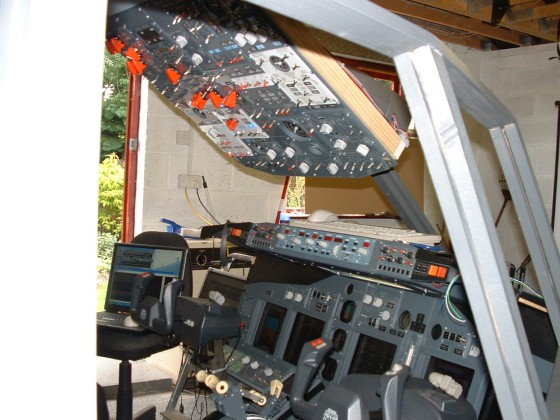
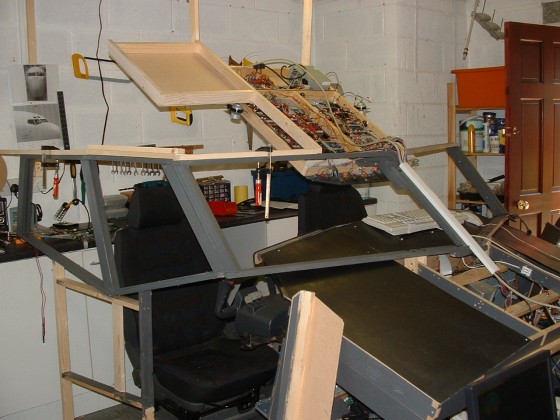
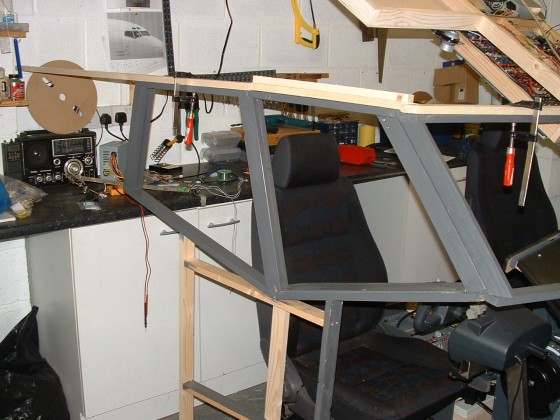
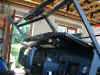
screws, so we decided to start to construct the Windshield
Frame. The Dimensions I got from a Drawing by Pedro Biblioni
(it's on the Technical Information Page) - Thanks PEDRO :o))
June 27th 2005
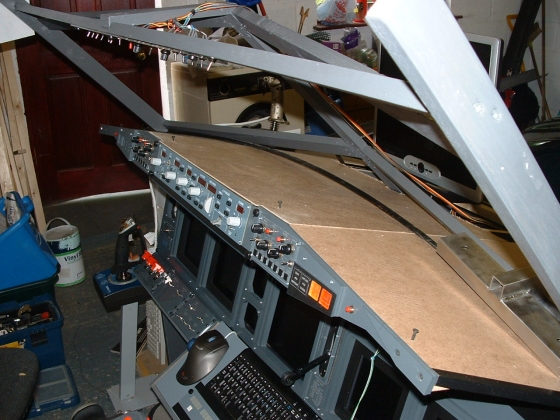
Today I got the paint for the framework, Have you any idea how
difficult it is to get 'BOEING GREY' ! No prob, the nice people
in my local paint store mixed it for me from a sample i took in.
So we got home and removed the windshield for a coat of paint.
Wow looks terrific now it's the same colour as the cockpit.
Today I also changed the Autobrake rotary switch and re-wired it so it
now works more realistically. Also started to make the top panels for
the Glareshield.
July 3rd 2005
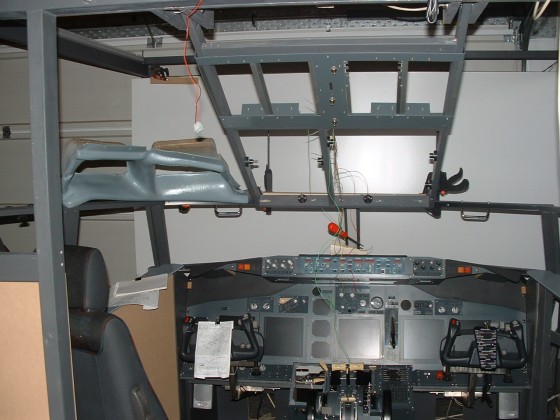
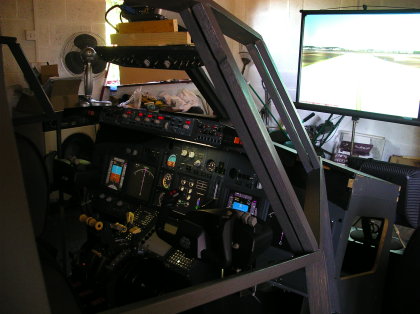
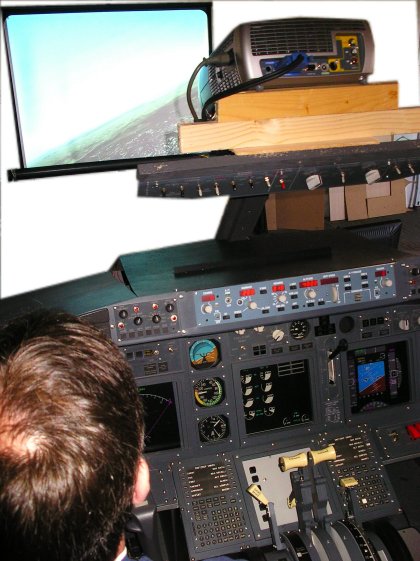
Well it's been a long weekend. The 'PIT' had now reached the stage
where it was flyable and I was just aching to give it a run, so Friday
I decided to move it into my den so I could play with it while the
overhead and the shell were being built. BIG MISTAKE. Did you ever
move one large piece of furniture and 4 computers and expect
everything to work fine - NO F*****G WAY. I have just spent 3
days moving the computers and the MIP into the den and getting it all
working. But I am amazed, the effort effort was all worth while.
I have also addressed a couple of configuration problems along the
way. My FS_COM software for the MCP kept crashing when run with
Wideview, but by tinkering and running Wideview on TCP/IP the conflict
has disappeared.
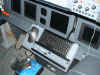
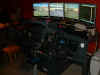
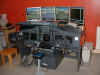
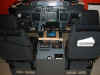
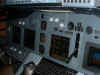
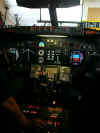
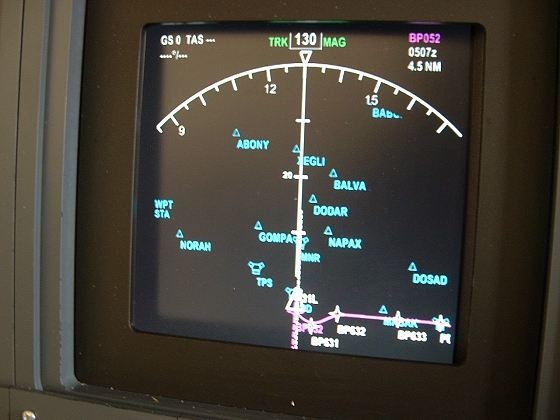
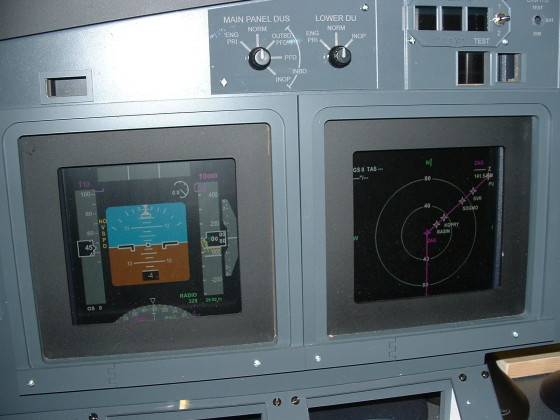
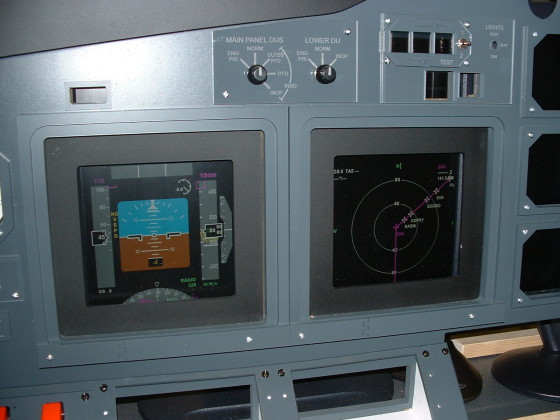
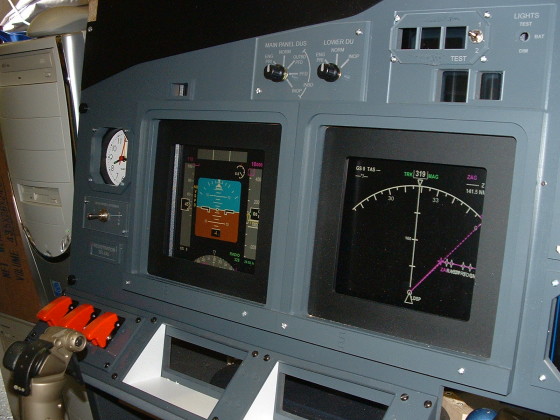
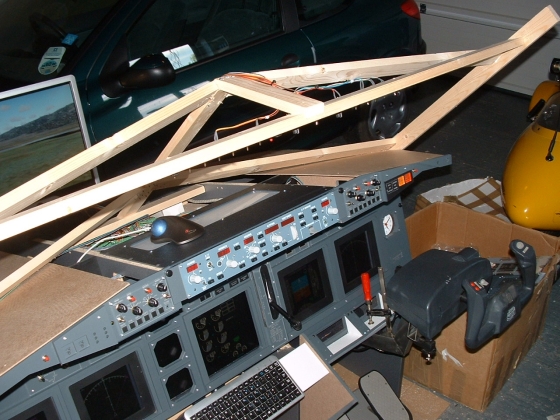
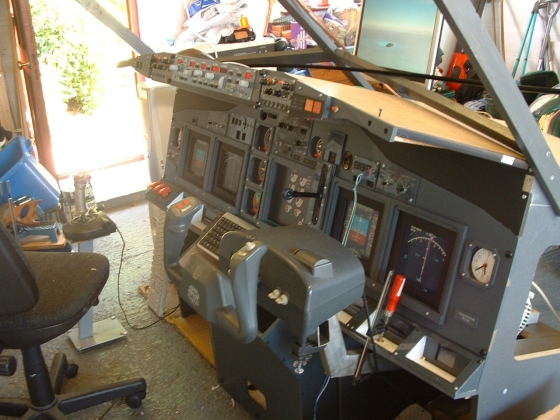
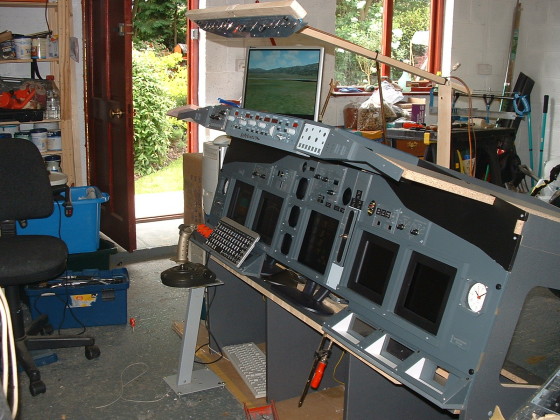
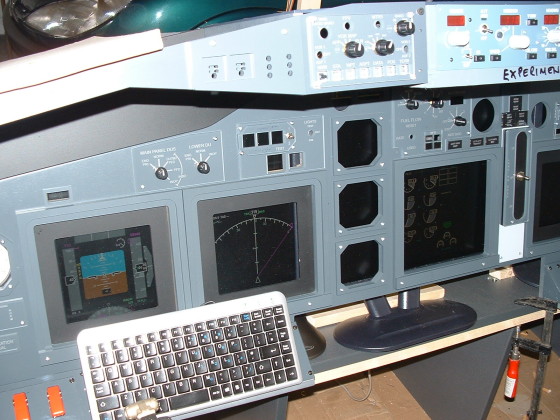
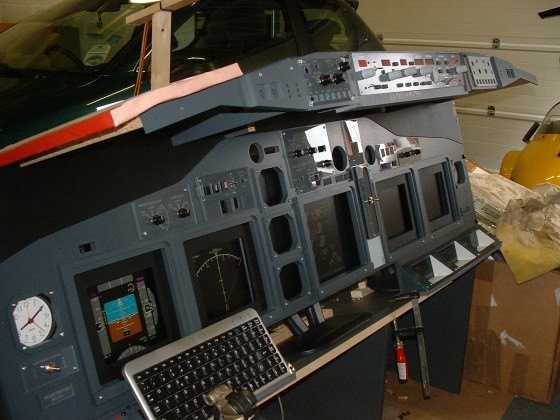
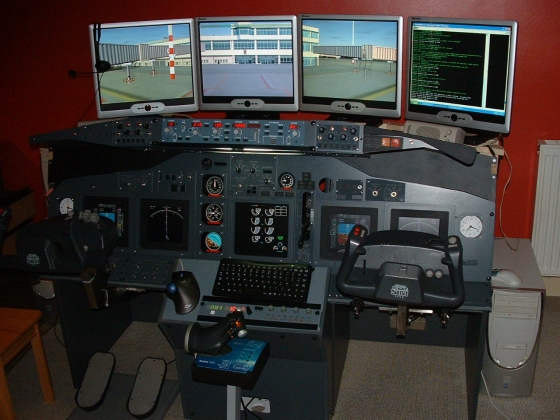
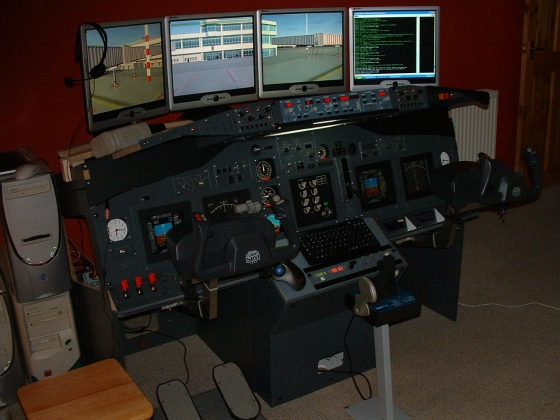
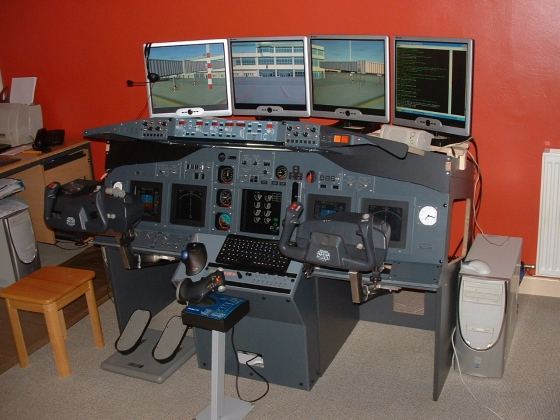
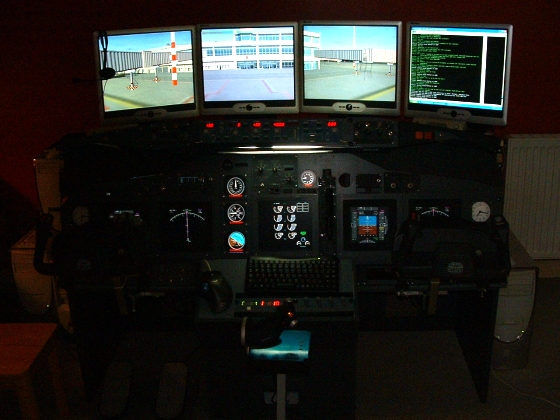
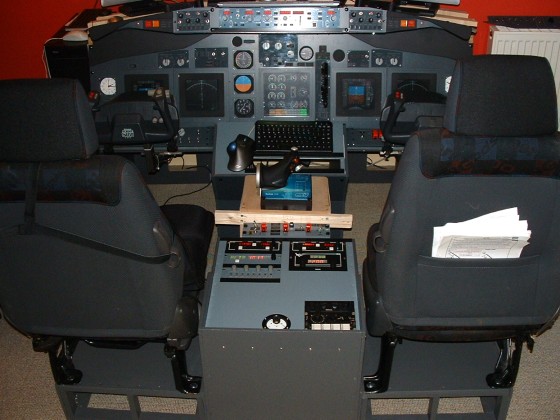
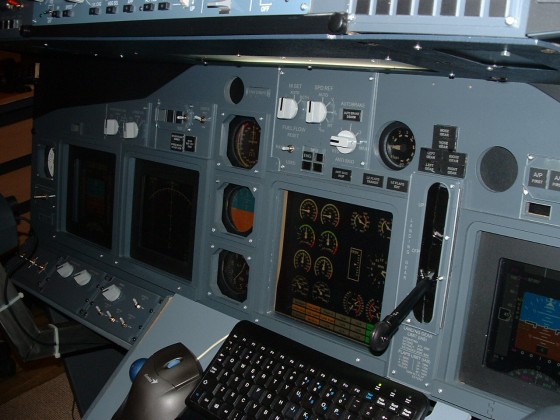
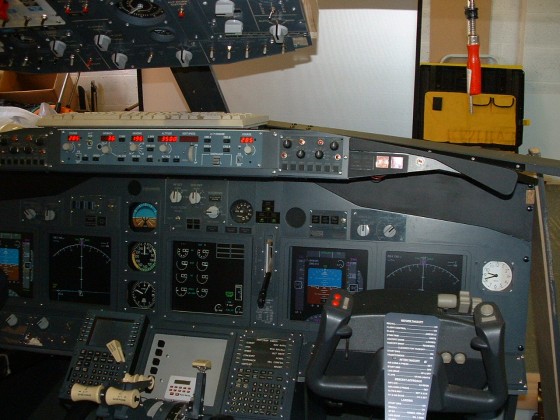
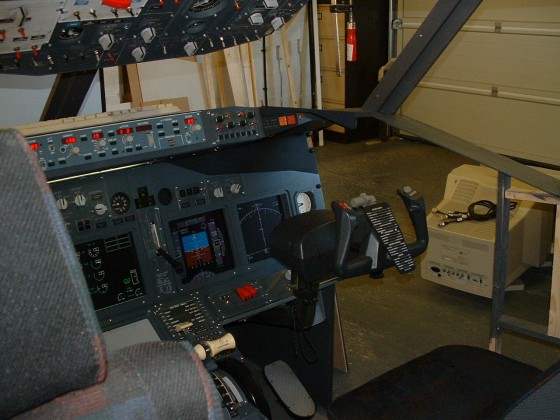
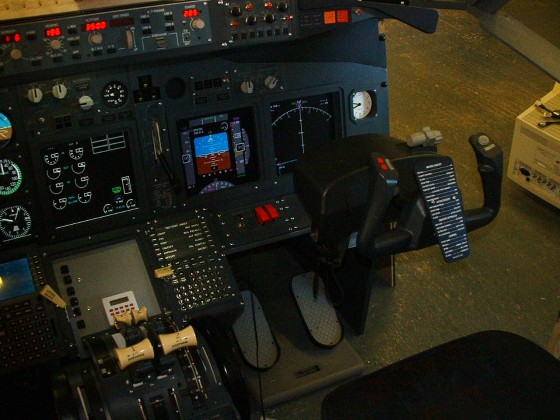
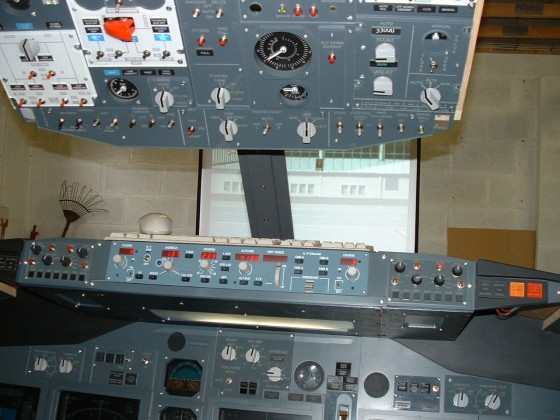
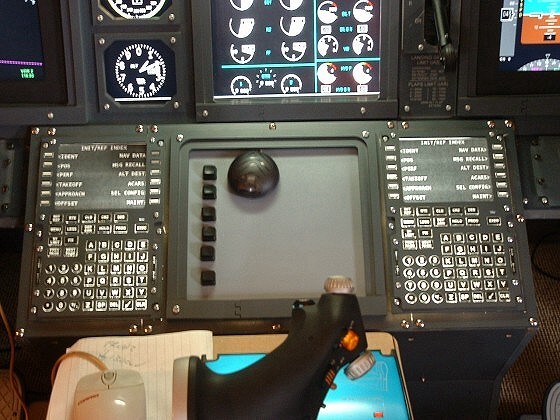
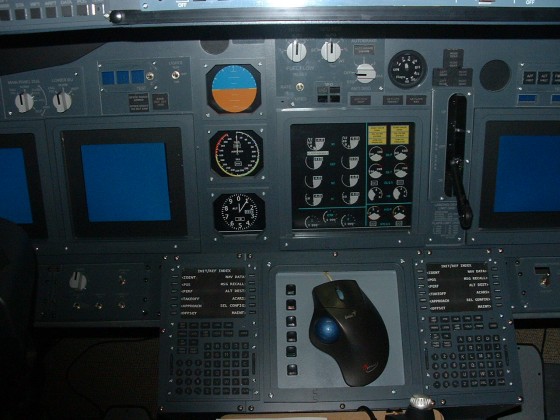
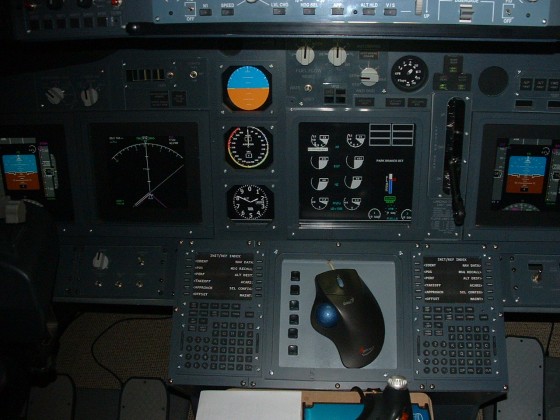
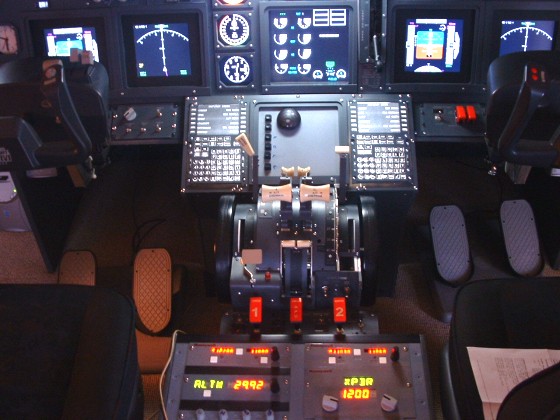
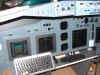
Here's what the MIP/GLARESHIELD/MONITORS look like running.....

July 12th 2005
Its down to serious stuff today...I met a guy called Gert Heijnis from
www.flyware.nl at
the IFC Exhibition who has given me the answer to my problem with the
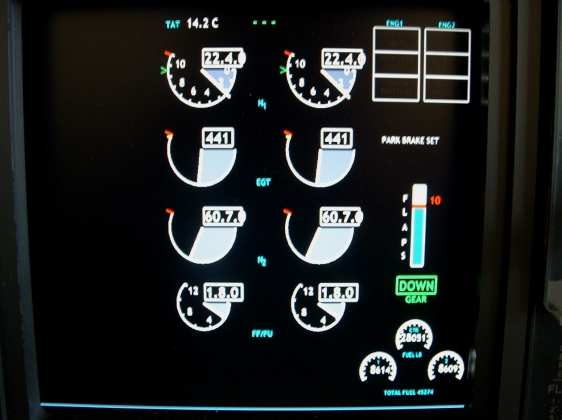
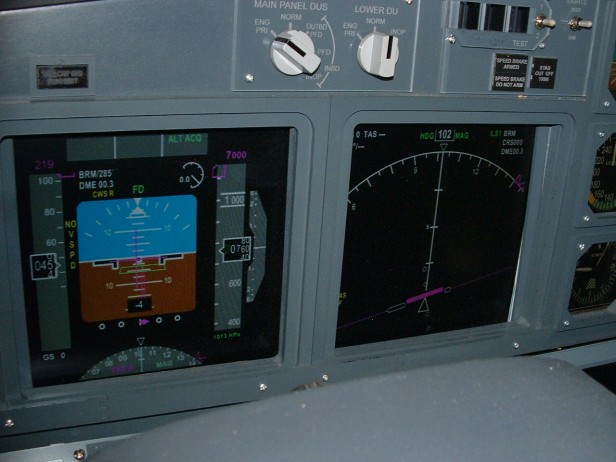
centre EICAS display. So over the weekend I have been configuring the
FsXpand and FsClient software on my system. I now have a fully
integrated EICAS system running independantly on the 4th
Computer.
 Gert
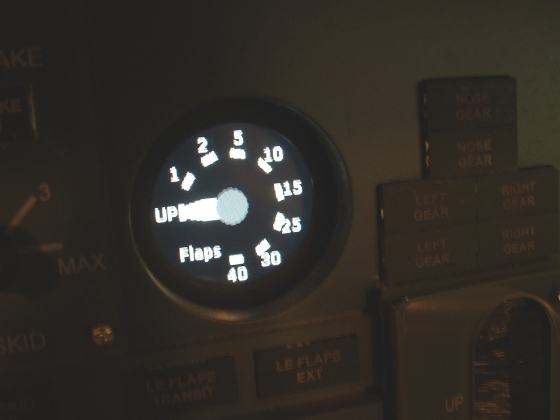
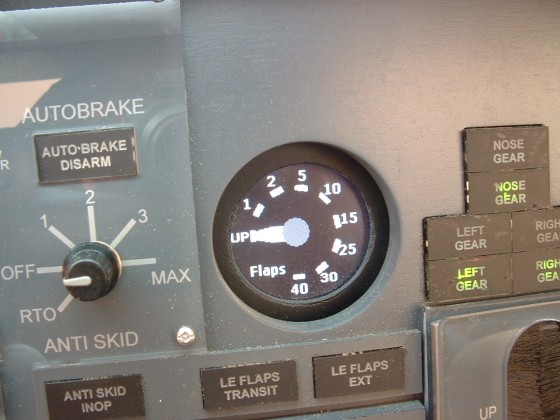
has explained to me that I will be able to have a rotary flaps gauge
and digital engine instruments with the next version. I am
also in a position to work on the lower EICAS display now. But I have
to finish the MIP first. There are so many little jobs to do. (update
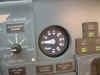
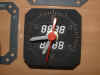
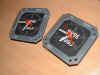
Aug13th. Gert has let me have the rotary flaps gauge and this is what
it looks like)

July 18th 2005
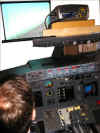
OK well today is fun day....I set up the Motion Simulator and
I'm amazed at how much realism it adds. I just had to check it
out. Did 3 legs from LDSP (Split) to LYBE (Belgrade), LYBE to
LHBP (Budapest) and LHBP to LJLJ (Lubijiana). I have the IVIBE seat. I
cant tell you how much more of an experience it is....Check out www.ivibe.com.
Tell CRAIG that Ian sent you :o)

July 28th 2005
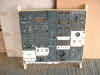
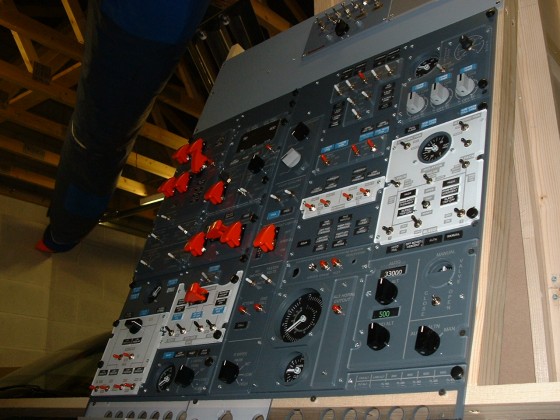
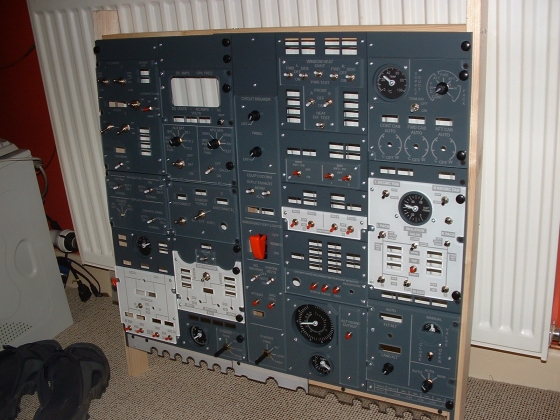
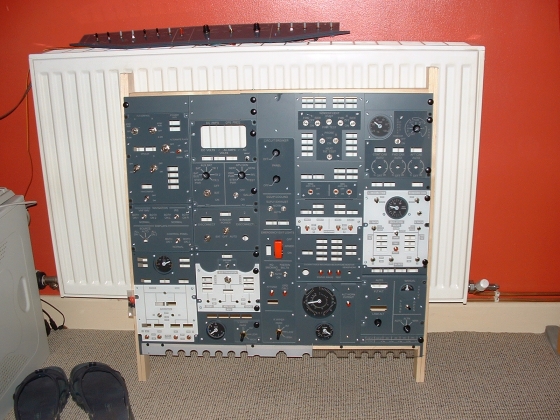
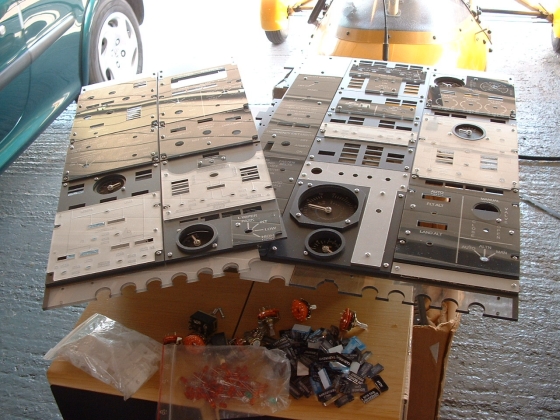
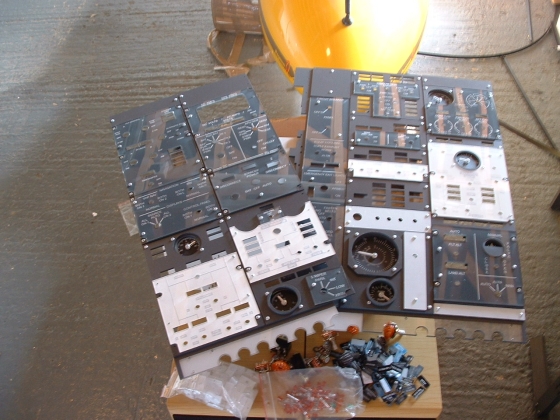
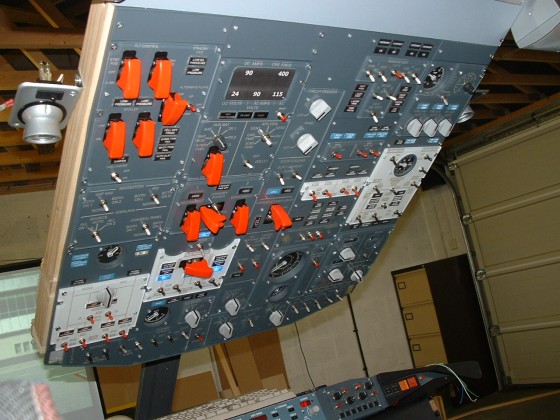
Spent most of my spare time today fitting switches and bits to
the overhead. I still need to get a couple of switches and some
Black Toggle switch guards, but the panel looks much better
nearly complete.

Tomorrow I hope to start fitting the Indicator Light Plates and
LED's. Then the mammoth task of wiring it all....think i'll go
for a beer :o) July
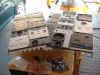
31st 2005 OK help is at hand...look what I got just in, the
exact help I need. This is a full scale diagram of the 737NG overhead
panel showing all the right indicators in all the right places.
My thanks to Capt. Chuck Harman
at American Airlines
for this one.
|
|
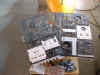
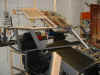
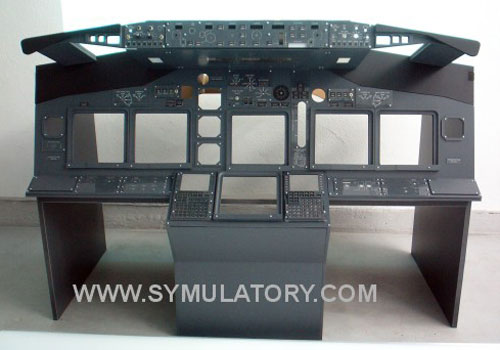
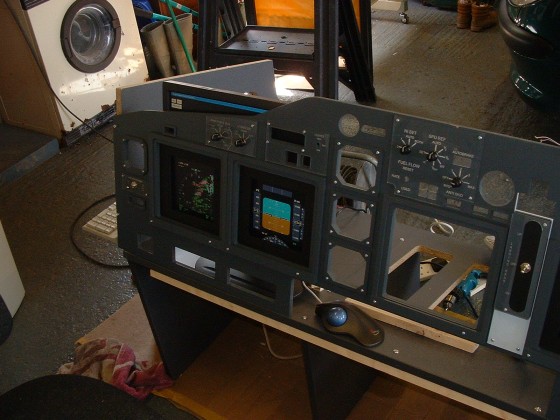
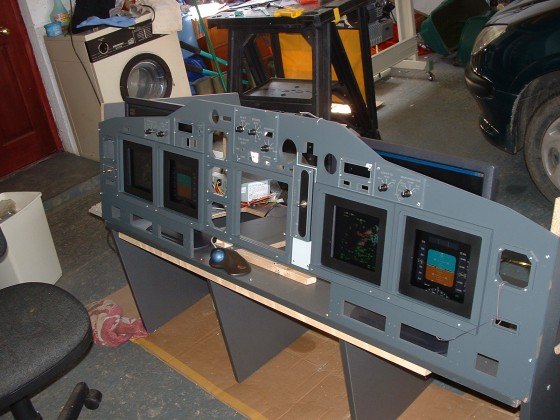
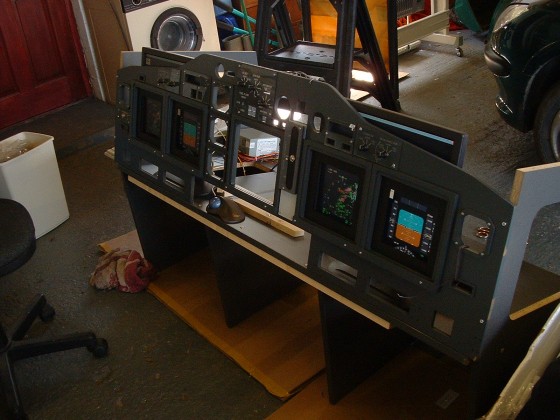
Well it's mid-May
2005 and some packages have arrived from Jakub @
SYMULATORY in Poland, so
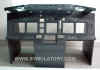
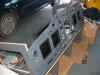
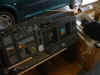
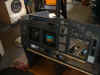
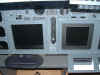
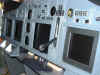
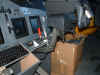
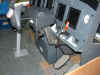
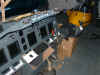
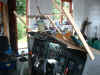
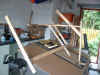
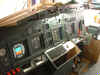
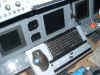
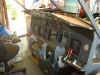
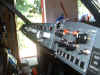
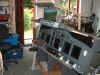
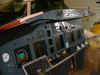
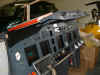
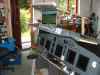
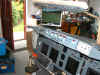
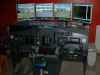
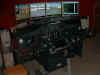
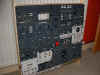
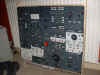
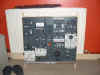
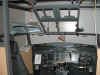
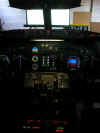
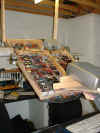
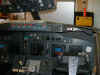
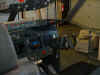
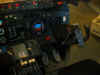
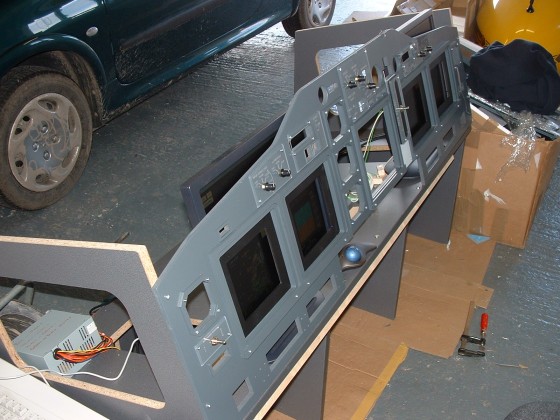
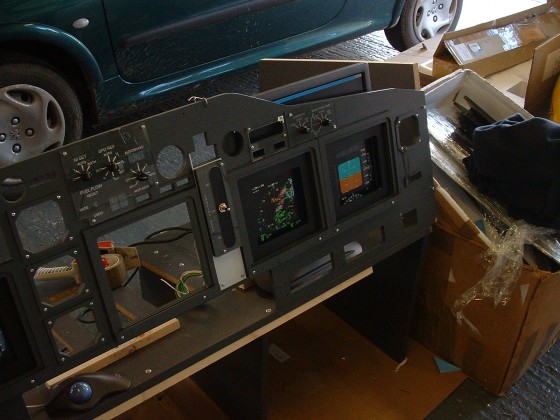
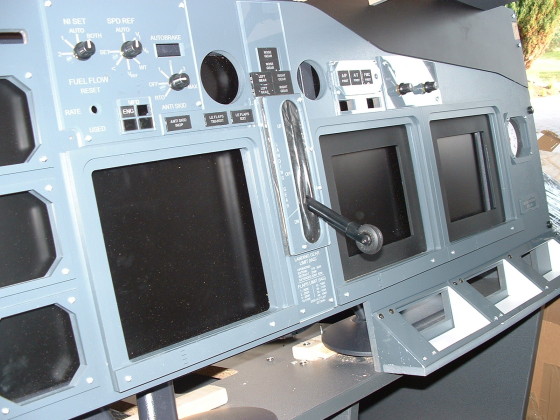
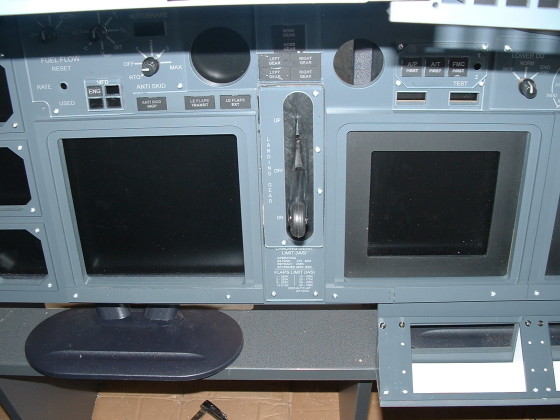
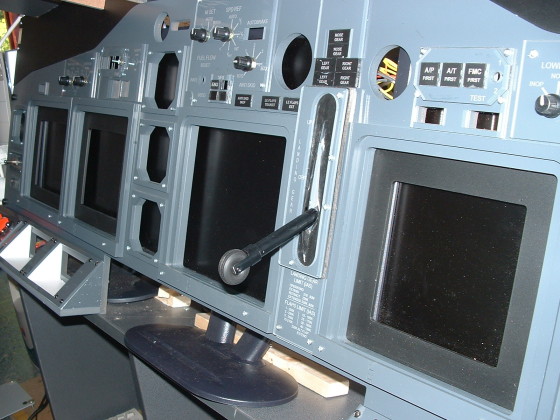
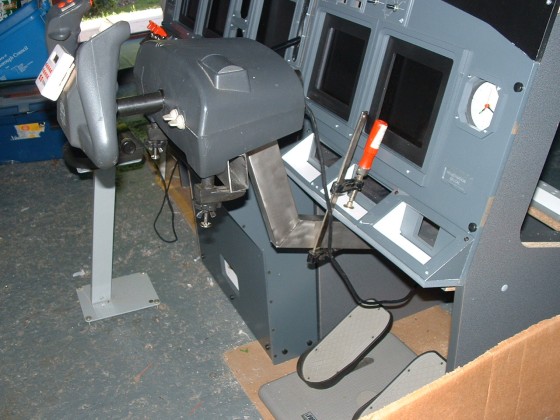
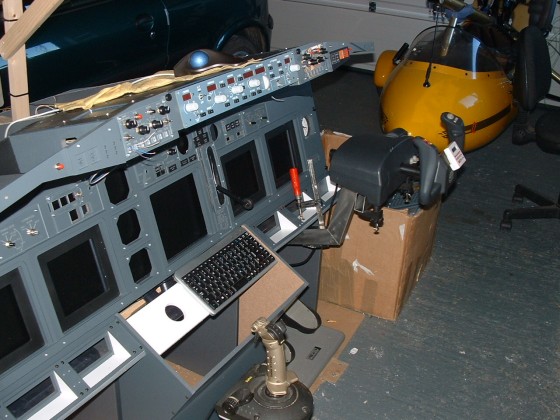
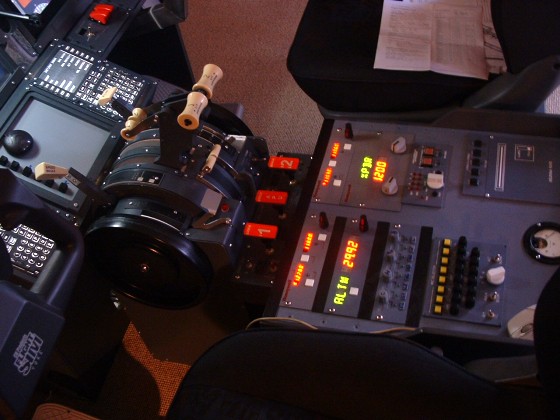
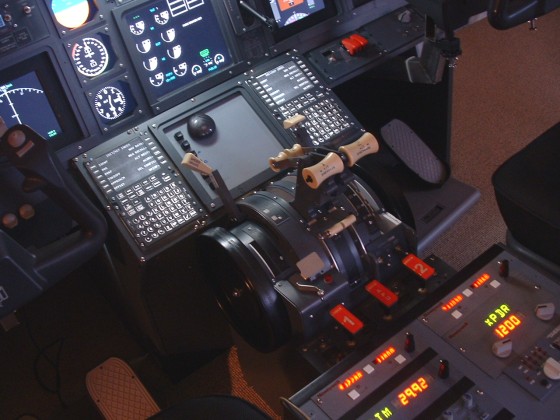
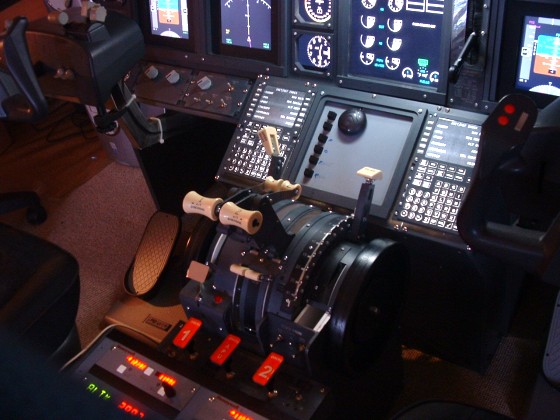
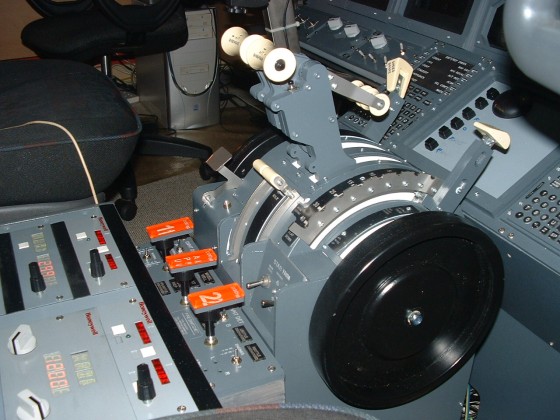
once they were eventually unpacked, off we went.....Here's some photo's of the project as it
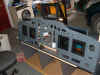
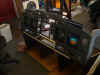
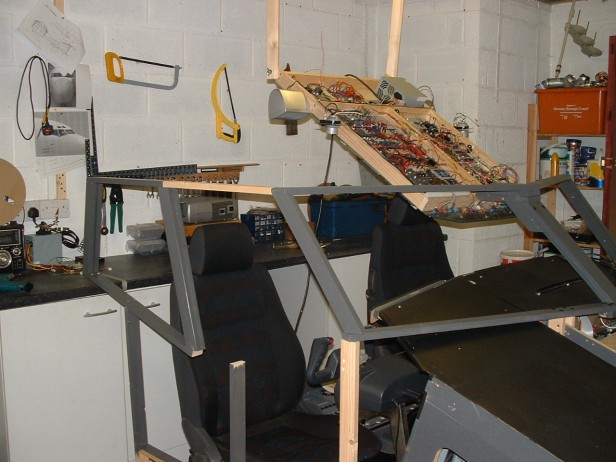
progresses. First of all the basic frame and carcass had
to be assembled before the PFD & ND Monitors could be
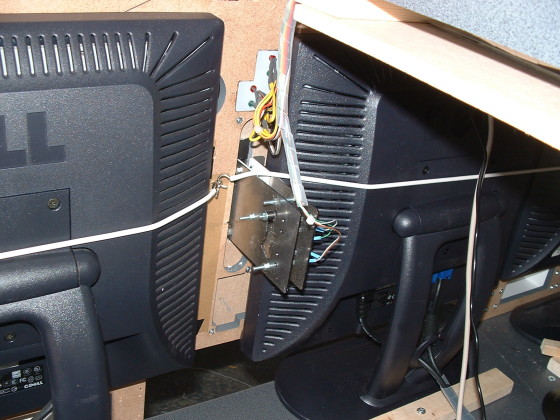
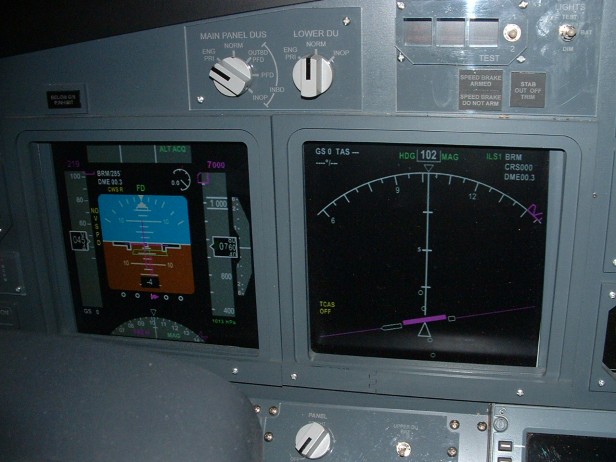
positioned. The panel has been built around 17"
DELL Monitors. Eventually there will be 3 used for
Captains PFD & ND, First Officers PFD & ND and the Upper
EICAS Display.
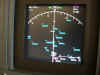
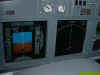
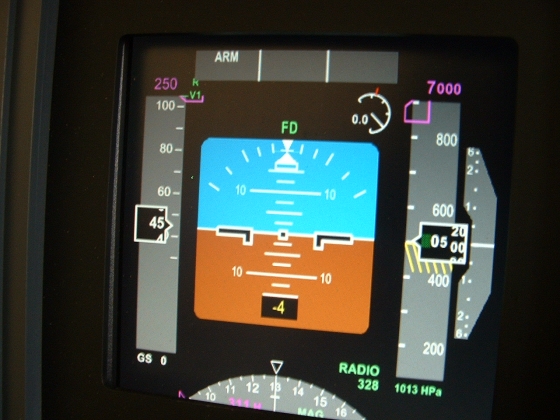
June 3rd 2005 I've
re-written the panel.cfg file for he PMDG 737 so that I can have
the PFD & the ND displayed. I'm using a NVidea PCI-Express
Turbo Cache VGA/DVI Dual Output Video Card, not too impressed
with it ! But it will do for now. I don't want to spend
lots of money on Project Magenta yet until I know for sure it's
all going to work !
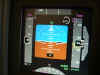
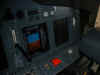
June 4th 2005 Installed 3rd
Monitor on a second computer over a network (using WIDEFS) and
the Freeware EICAS-X from OpenCockpits to give me the
Engine/Flaps/Parking Brake/Gear Position indications..
excellent, everything works.
June 5th 2005 Started
to wire the Captains EFIS Panel, with limited success. The
limitations of the PMDG key commands mean that there are some
irregularities in the operation, but nothing that cannot be
overcome with some re-writing and constructive wiring. EFIS
Panel now operational. so we can switch between MAP/PLAN/VOR/ILS...
also the Range Button is working and happy to report we can now
switch between insHG & Hpa. EFIS Panel can also be set
to STD.

June
23rd 2005 F/O Yoke is connected to Gameport on
CPFlight MCP, Axis are assigned, Calibrated and Test Flown...Now
we are starting to get some realism. The Yoke, the MCP and
the 5 displays are working together well....I'm
very happy :o)
The CH Products Yokes will suffice for now, but I
need to look at replacing them for more realistic columns. Today I want to install the MIP Lighting and get to
work in the EFIS Information Buttons for WXR/STA/ARPT etc. I know how
I am going to get these working so pics later in the day :o)
June 25th 2005 Ok We
got round the problem with the EFIS Buttons and now I have fully
functioning EFIS Panels on both sides. Basically the F/O EFIS is
'piggy backed onto the Capt's thru Y cables I made. These are
then connected thru the MCPEX1 and configured thru the CPFlight
MCP_CONF program to give KEY commands to the sim. Works
absolutely brilliantly.

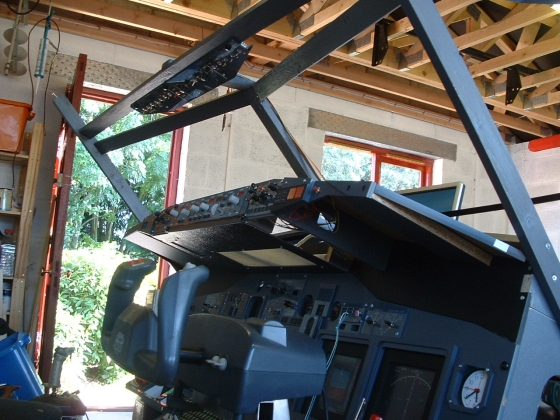
June
26th 2005 Well we were pretty busy today
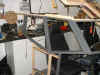
building the windshield. I had to make a few 'modifications' so
that the windshield would fit to the glareshield. It's not quite
right by the manufacturers dimensions, but it sure looks good
and really gives the feel of being in a 'PIT'. All systems
running, so decided to take it out for an 'ON-LINE' flight on
VATSIM from EPKK (KRACOW) to LHBP (Budapest). Everything
working fine and ZUDOR was there to bring me into 31R - What a
Nice Guy !

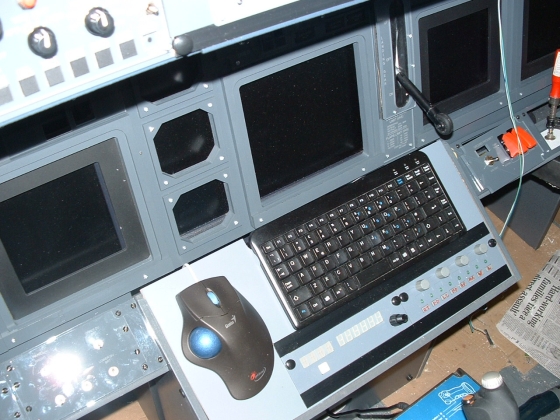
June
28th 2005 Well things are really coming
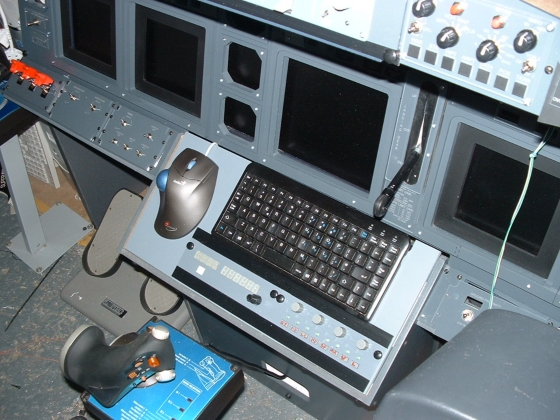
together now. This morning I made the panel that will hold the
Keyboard and the Mouse to control MSFS Computer. I also fitted 2
GoFlight Modules that I have. These will be the standby
MCP and the Nav/Com Radios. They had to be stripped and
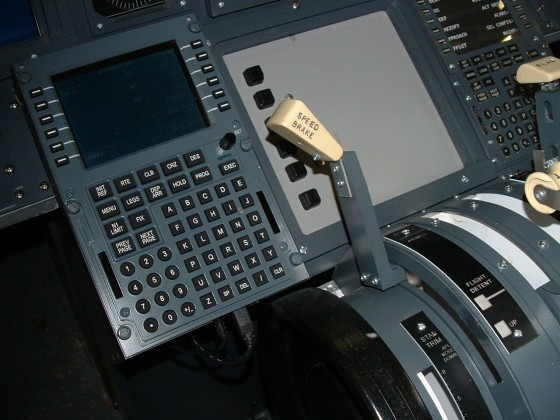
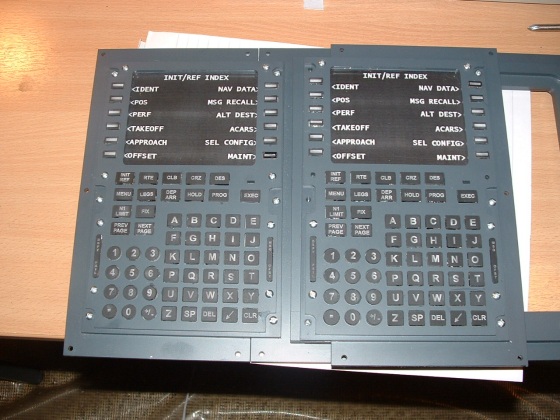
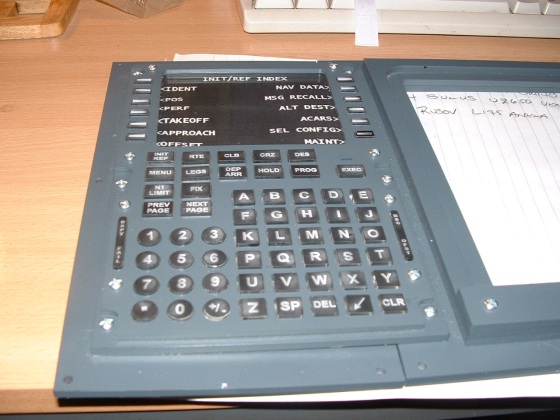
painted which took some time. I have the FMC on the
main screen right now. but eventually I will build a real FMC,
but at this stage, I just want to experiment and get this thing
in the air. I have also made the third top panel for the
Glareshield. I hope to Paint and Fit the Panels tomorrow.

July 8th
2005 As the setup is getting more
advanced, I have had some programming problems and conflicts
which are really annoying. The system will fly perfectly one
minute and then for some reason will lock up. I have no
idea what is causing the problem, so it's back to the drawing
board. I am going to change my main FS computer for one which I
know does not give me a problem. Then I have to test the
system adding each component program until I find the offender.
July 9th 2005
Day off today, I am going to the IFC Exhibition at Blackpool. I
hope to learn a few things.
July 17th 2005
Bit of a delay this week because I had to work, but I have
started to do all the odd jobs on the MIP and Glareshield. I
almost have them finished, hopefully that will be the case this
week. Now i have the EICAS screen working, I am so happy. I have
been flying the 'PIT' on Vatsim this week and I suspect that now
things are all operational, work just might slow down a
little. It is so hot in England right now that physical
labour is out of the question. Beer sounds much
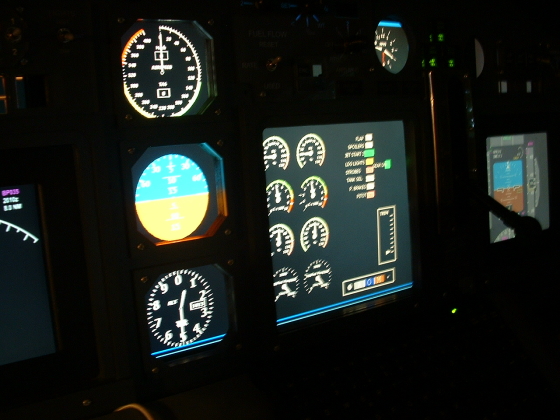
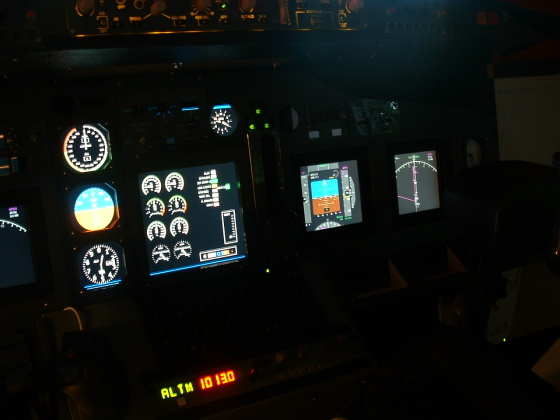
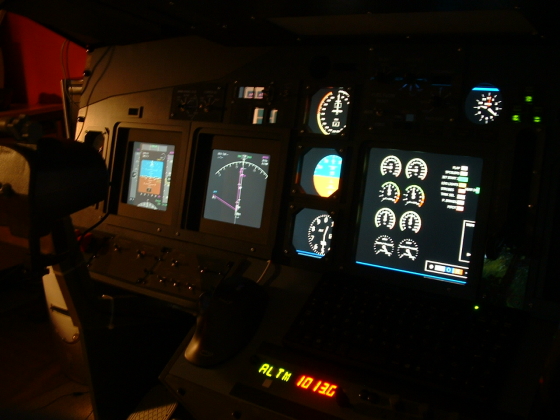
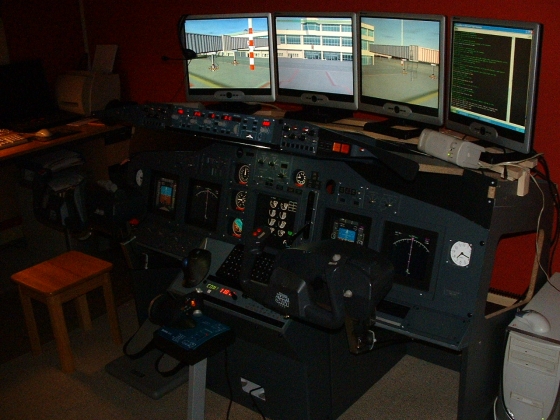
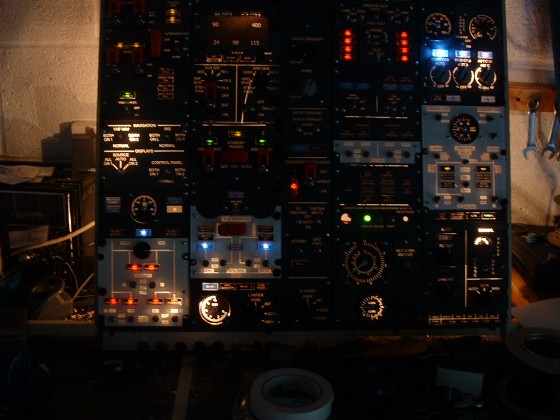
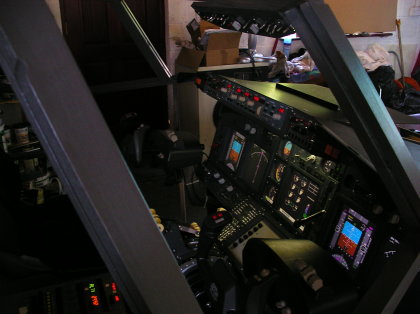
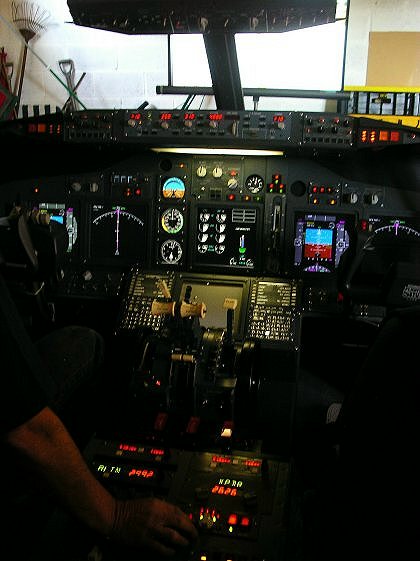
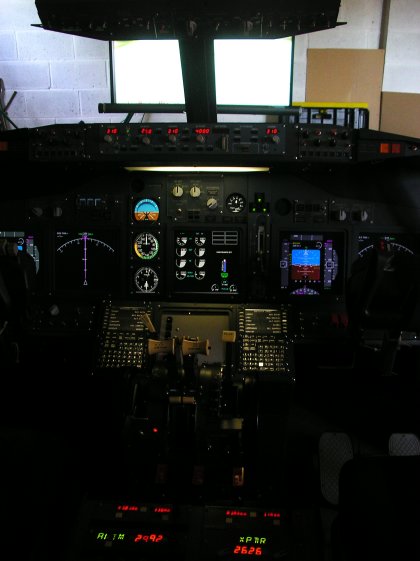
better. I wanted to do some night flights so iI could take
some photos....nice job.....Tomorrow we start to think about the
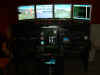
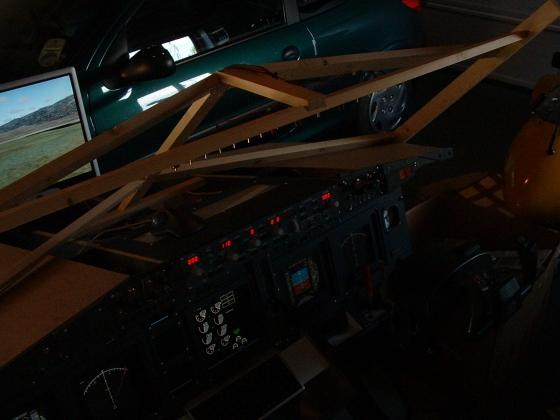
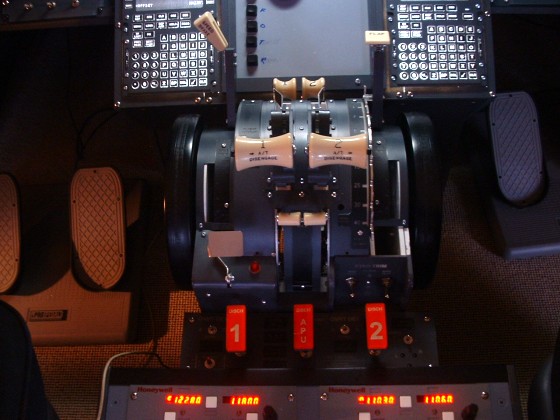
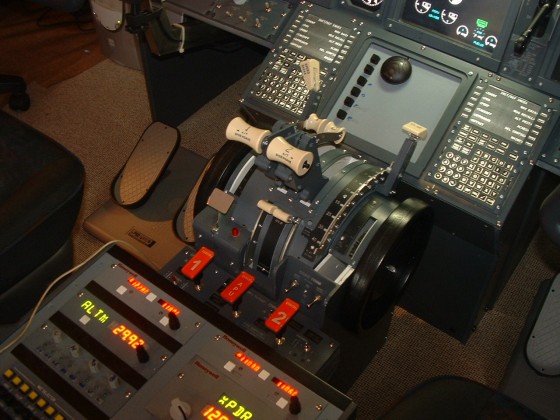
SHELL. Here's some night shots of the MIP all lit up....

July 25th 2005
Everything is working absolutely perfectly, so I just spent my
spare time over the weekend researching information for the
cockpit shell. I have found lots of drawings and information,
some of the more important items have been added to the Technical
Page. So I guess this week we will be drawing up a
plan to get the shell built.
July 27th 2005
Been studying the drawings a lot yesterday for the shell and I
guess I've worked out how much material I'm going to need to
build the frame, so I will order it and hopefully pick it up on
Friday. Can't pick it up tomorrow because I'm going
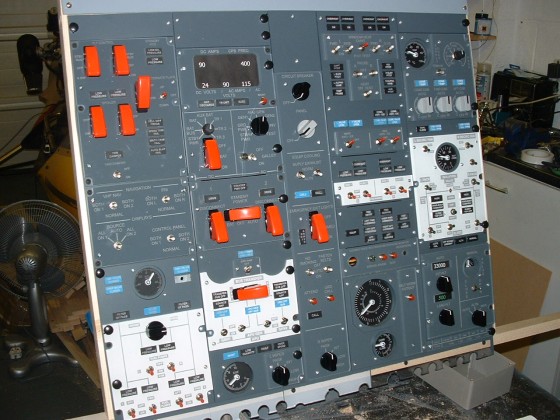
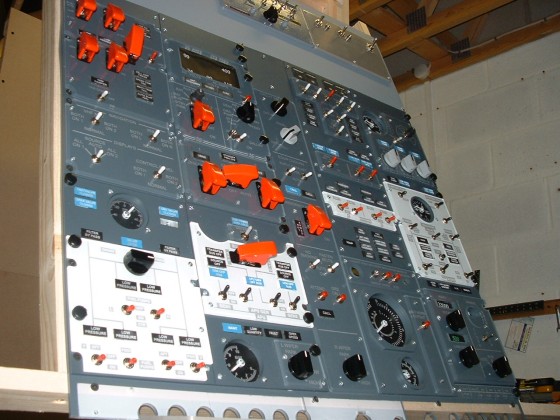
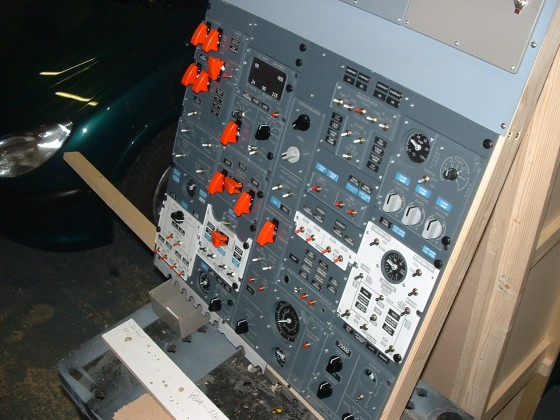
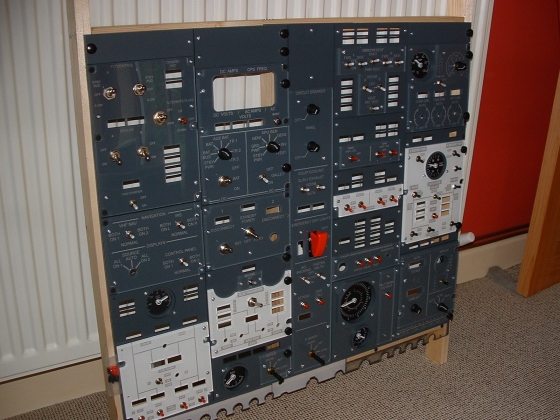
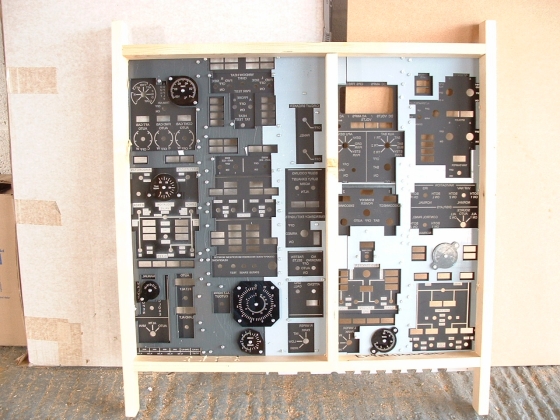
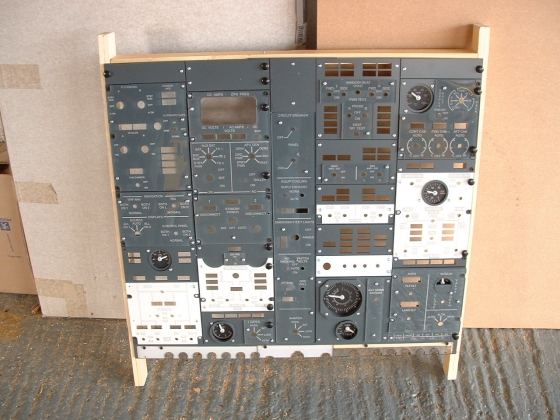
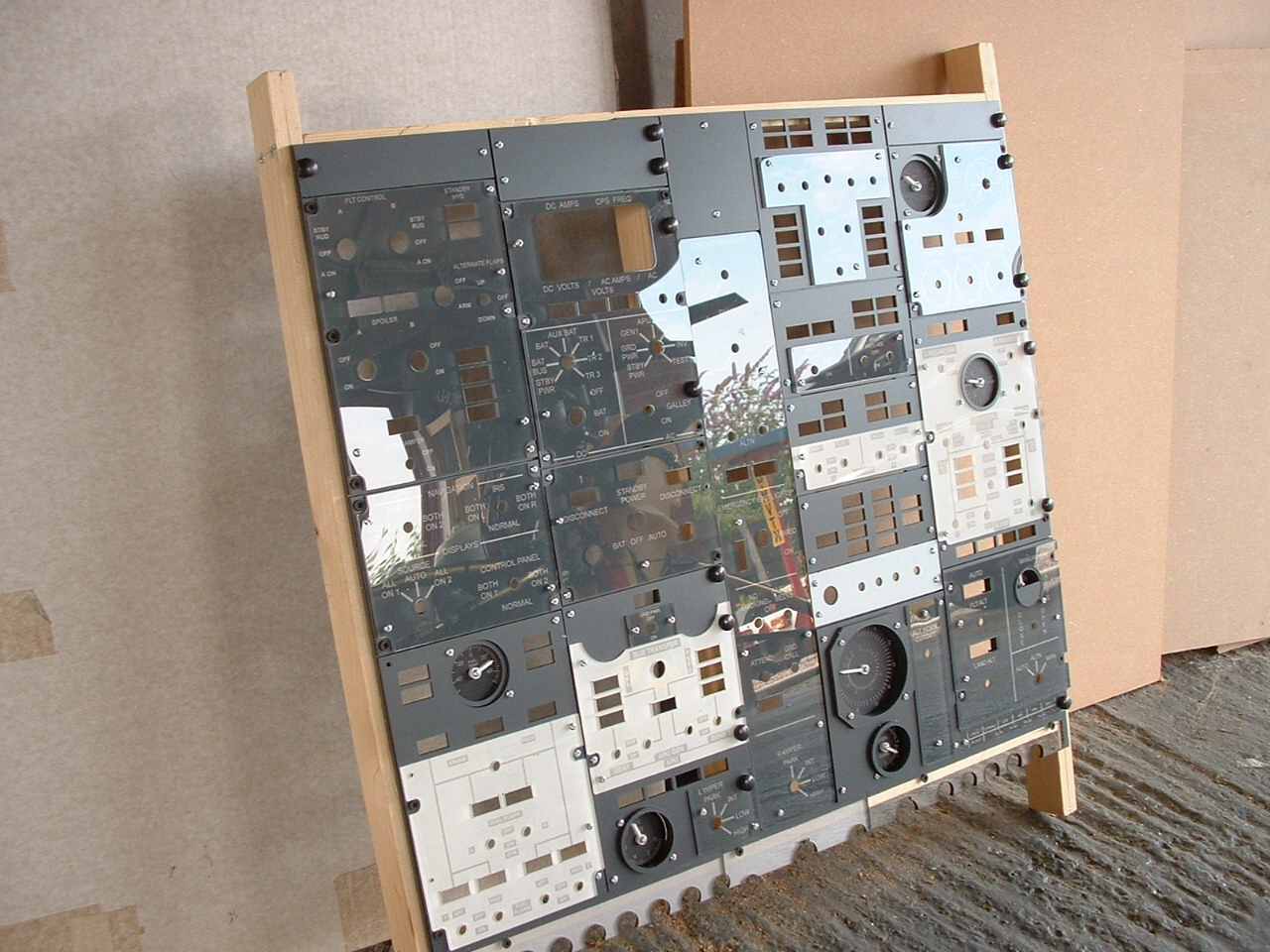
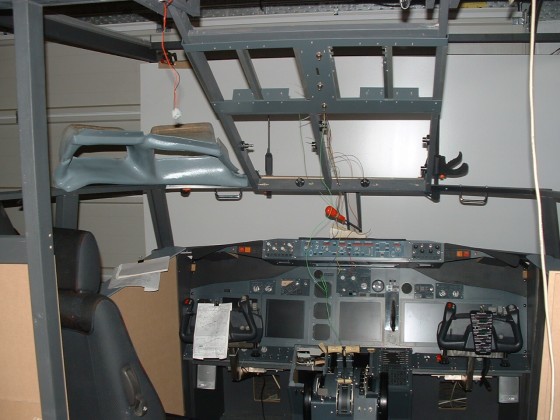
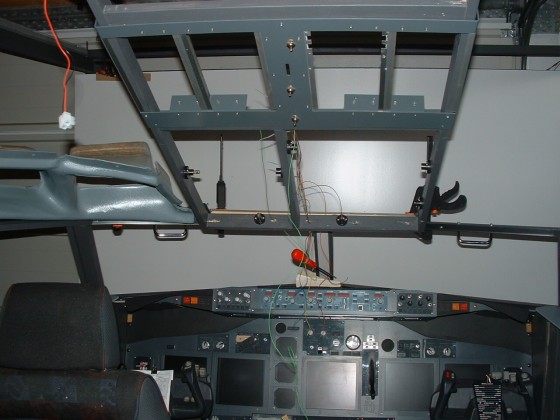
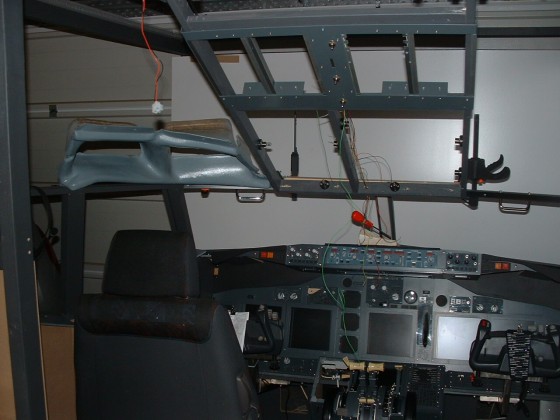
flying. So I decided to start the overhead panel with
what's left of the day.

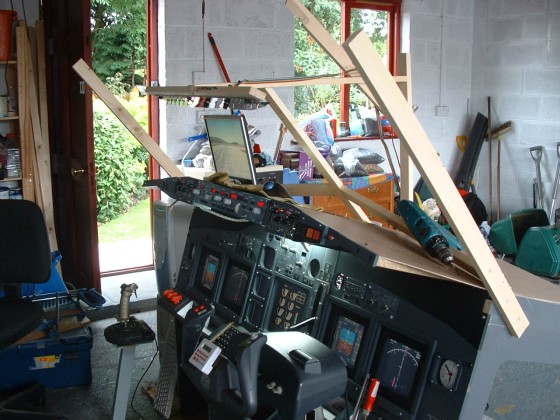
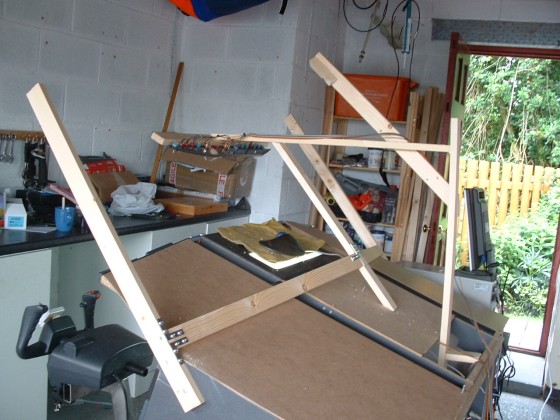
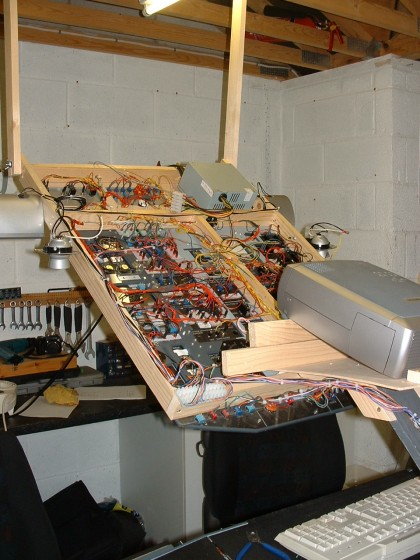
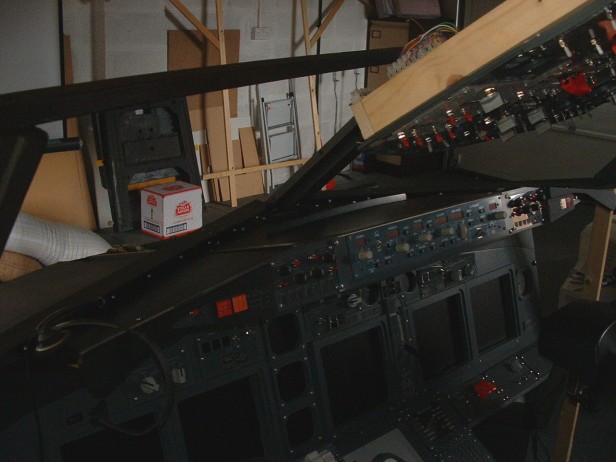
Where the **** do you start. This
is going to be quite a job. So I decided to assemble the panel
onto a frame. I have purposely made the frame too big for a
number of reasons. Firstly The Overhead must be hinged for
maintenance. 737NG's have a habit of burning out the Window Heat
Indicators because Boeing designed them to remain on and
secondly of course I do not have the exact dimension of where
the overhead will meet the windshield support frame yet.

----------
Photo's/Diary page 2 ------------>
I know the site
and the 'PIT' are still under construction, but thanks for all
the interest and support from everybody :o)))
|

|